


thecockpituk
THINKWARE DASH CAM F790 PRO FIT 1080P HD FRONT & REAR CAMERA WIFI GPS APP 32GB
THINKWARE DASH CAM F790 PRO FIT 1080P HD FRONT & REAR CAMERA WIFI GPS APP 32GB
Couldn't load pickup availability
THINKWARE DASH CAM PLUGIN | AMBARELLA QUAD-CORE CPU | HIGH DYNAMIC RANGE | DEWARPING VIDEO TECHNOLOGY
- High-Efficiency Video Coding | 1080p Full HD 2-Channel | Super Night Vision 3.0 | Energy Saving Mode 2.0
- Time Lapse | 140° Wide Viewing Angle | Built-in Wi-Fi (2.4GHz/5GHz) | Built-in GPS | Safety Camera Alert
- Road Safety Warning System (LDWS, FCWS, uFCWS, FVDW) | Mobile App | Windows/Mac Viewer
MOUNTING SOLUTION WITH A SLEEK DESIGN
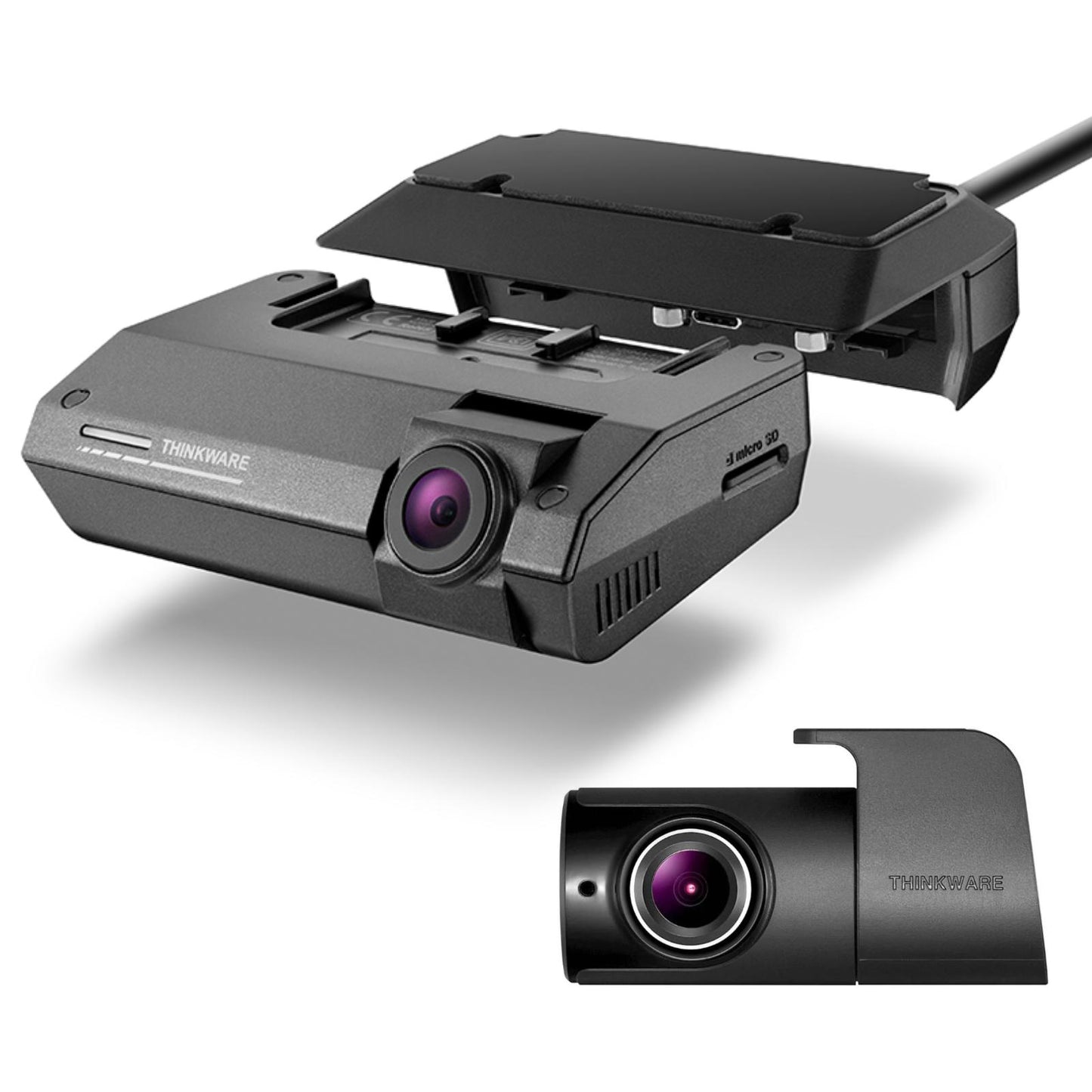
Thinkware Dash Cam Plugin offers a simple solution for mounting and dismounting your dash cam while maintaining a sense of sharpness and sleekness in design.
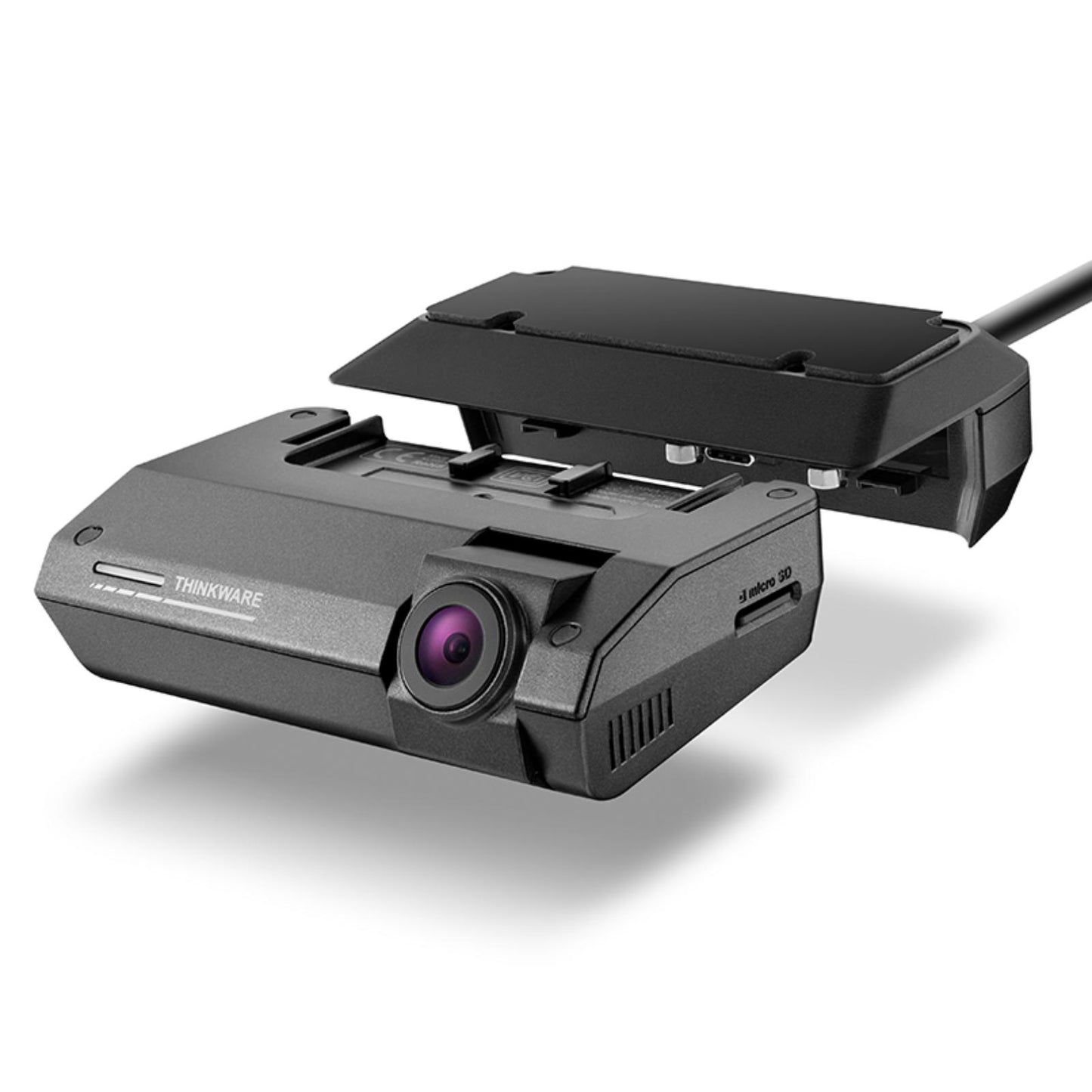
Using a C-Type Connector Cradle, it allows the dash cam main unit to securely mount onto the plugin mechanism and powers the dash cam main unit from the plugin mechanism itself.
SAFE AND SECURE CONNECTING MECHANISM
The dash cam can be neatly mounted onto the windshield as the dash cam main unit perfectly clips into Thinkware Dash Cam Plugin. Instead of using magnetic power connectors or screws, it uses a connecting mechanism embedded within the Connector Cradle for a secure and safe connection.
This ensures that the dash cam records video footage properly and stays on the windshield in the event of a crash.
* Take caution when unplugging the dash cam main unit from the connecting mechanism as it is tightly fastened onto the main unit.
* Do not twist the dash cam main unit as this may cause damage to the connecting mechanism.
CLEAN INTEGRATION OF POWER CABLE AND GPS MODULE
The power cable and GPS module are connected on Thinkware Dash Cam Plugin instead of the dash cam main unit.
Therefore, it secures space around the main unit by removing the power connector and ports from the main unit.
This type of design reduces the risk of overheating as the power connector is separated from the main unit and integrated into Thinkware Dash Cam Plugin.
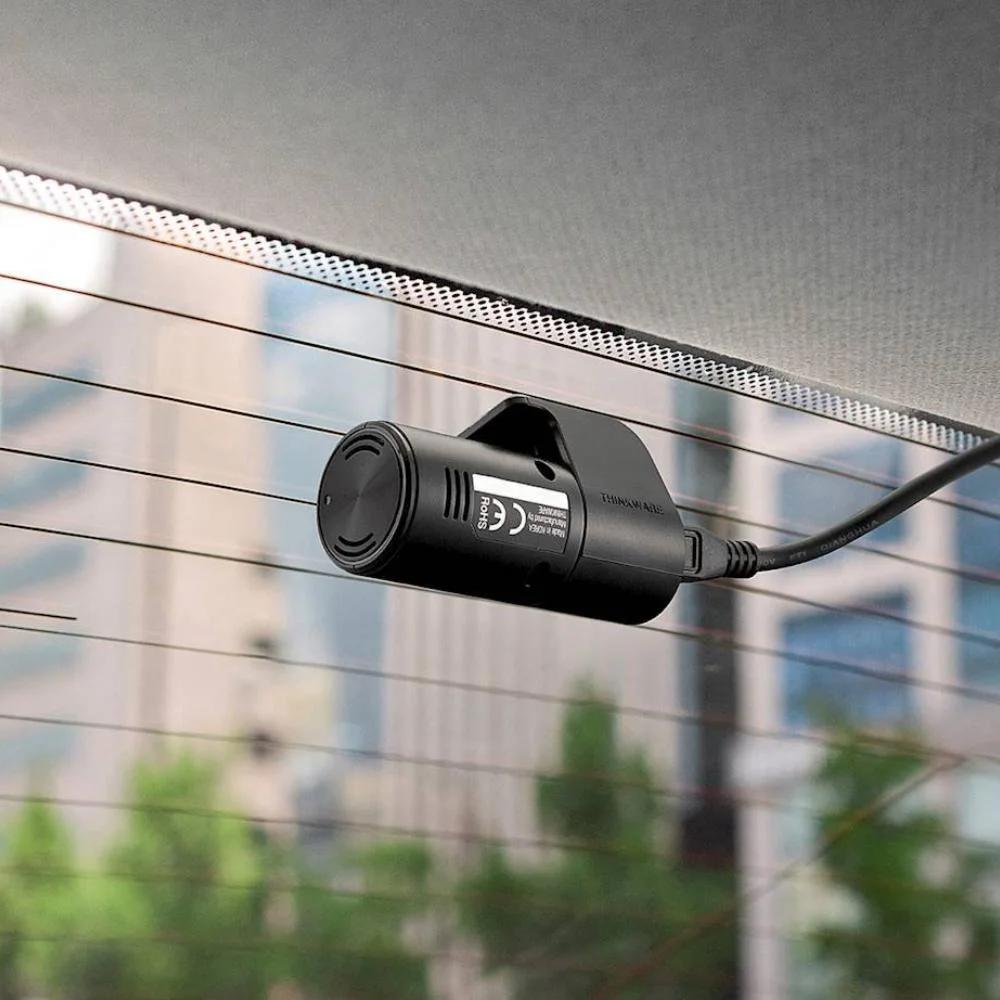
* Take note that the power cable and rear camera cables are integrated into one cable for the 2-channel package.
* Hiding the integrated cable into the headliner for certain vehicles may require professional installation or precise technical work.
AMBARELLA QUAD-CORE CPU
The Thinkware Dash Cam F790 has a powerful 1GHz Quad-Core Cortex-A53 CPU manufactured by Ambarella, commonly used in next generation drones and sports cameras. The extremely low power consumption and significant processing power enable a small form factor design along with the ability to process multiple tasks and extend battery life.This ensures the F790 runs smoothly without freezing or crashing while offering leading video features at the same time.
HIGH DYNAMIC RANGE
HDR (High Dynamic Range) multi-exposure captures maximum image detail in high contrast scenes and corrects exposure levels when a subject is too dark or too bright.
Such scenes include challenging low-light conditions when you want to capture license plates against the reflection of bright LED headlights. The F790 will record a long shutter frame video and a short shutter frame video at the same time to optimize the color of video footage even in dark environments.
SPECIFICATION
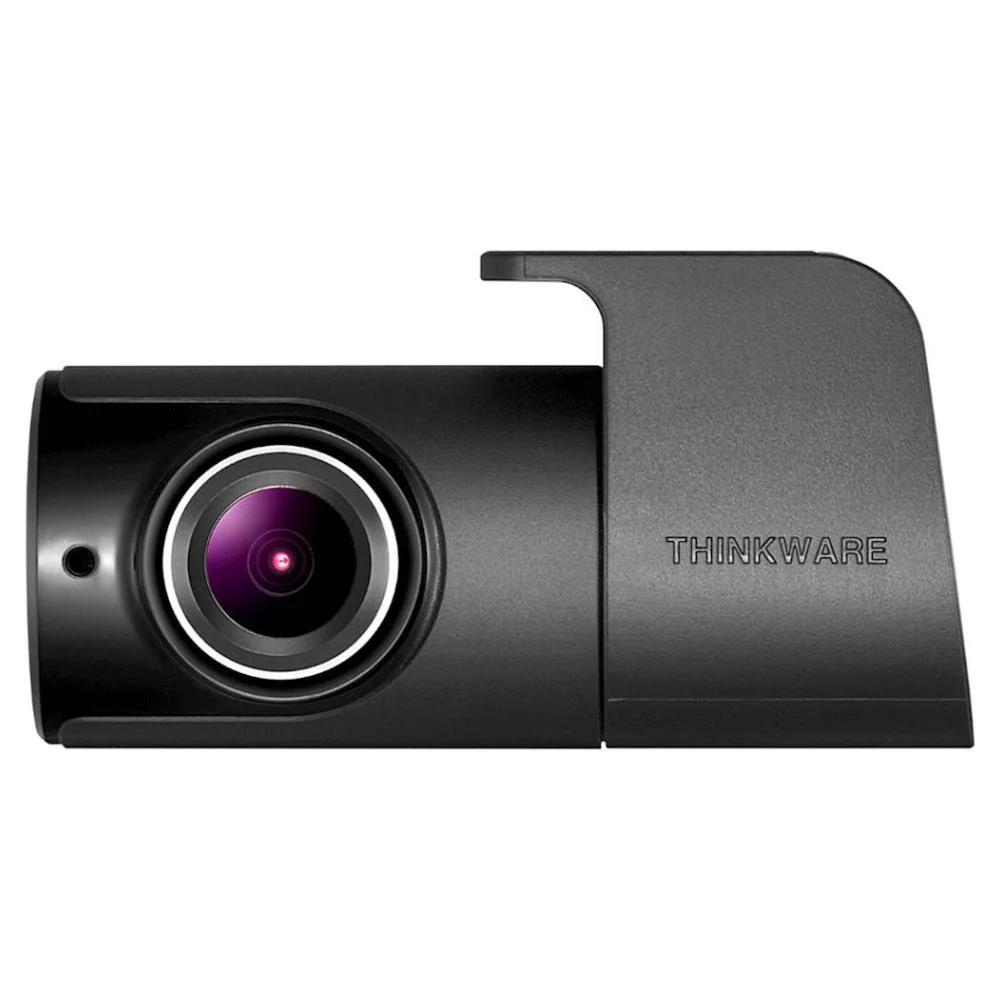
- Camera Front: 2.1M CMOS Sensor, Rear: 2.12M Image Sensor
- Resolution Front: Full HD (1920 x 1080P) Rear: Full HD (1920 x 1080P)
- Viewing Angel Front: 140° (Diagonal), Rear: 160° (Diagonal)
- Capacity Micro SD Card 16GB / 32GB / 64GB / 128GB UHS-I
- Recording Modes Continuous Recording, Incident Recording, Manual Recording, Audio Recording, Energy Saving
- Sensor 3-Axis Accelerometer G-Sensor (3D, ±3G)
- GPS Built-in GPS
- Wi-Fi Built-in Wi-Fi (2.4GHz / 5GHz)
- Power DC 12 / 24V supported
- ETC Wi-Fi LED / STATUS LED
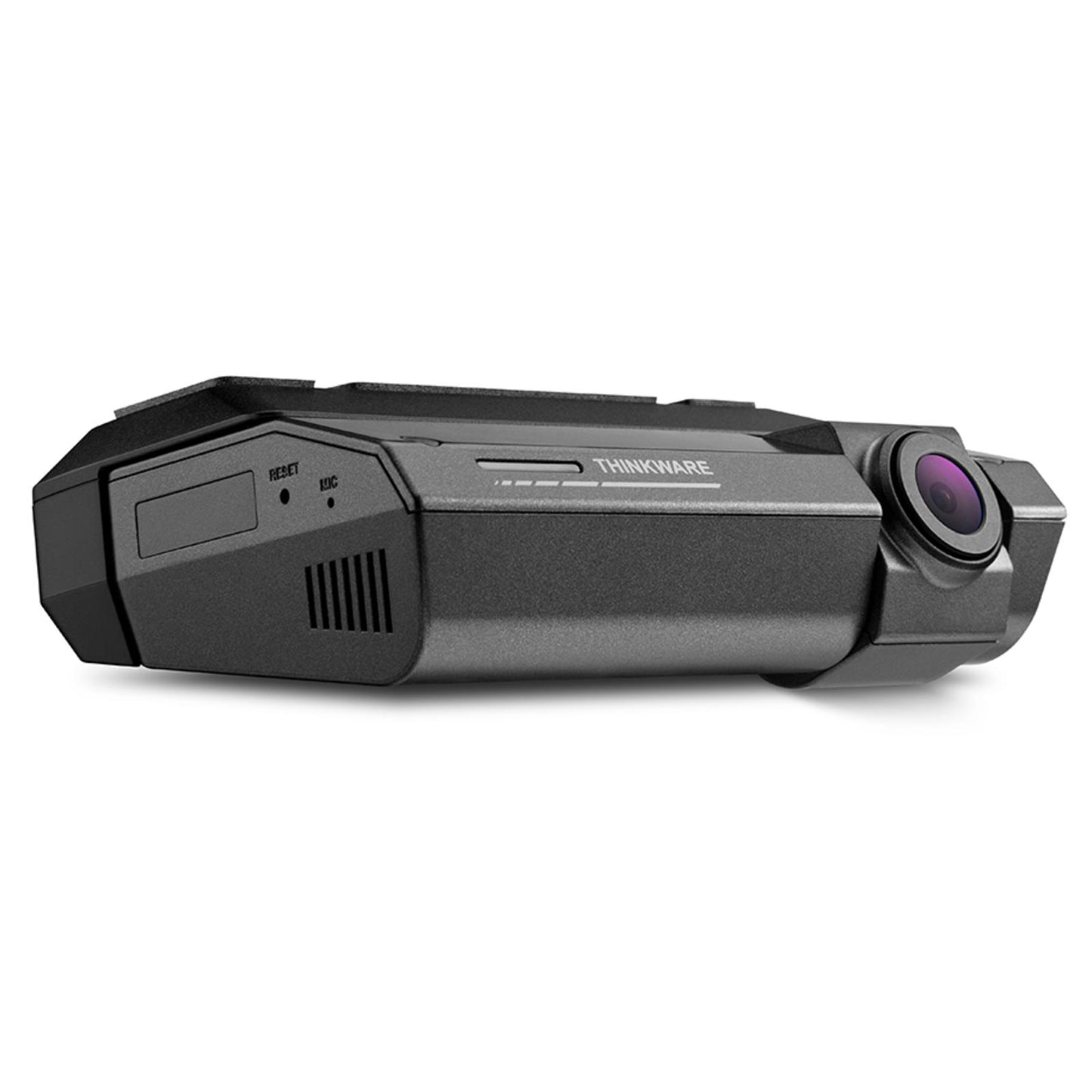
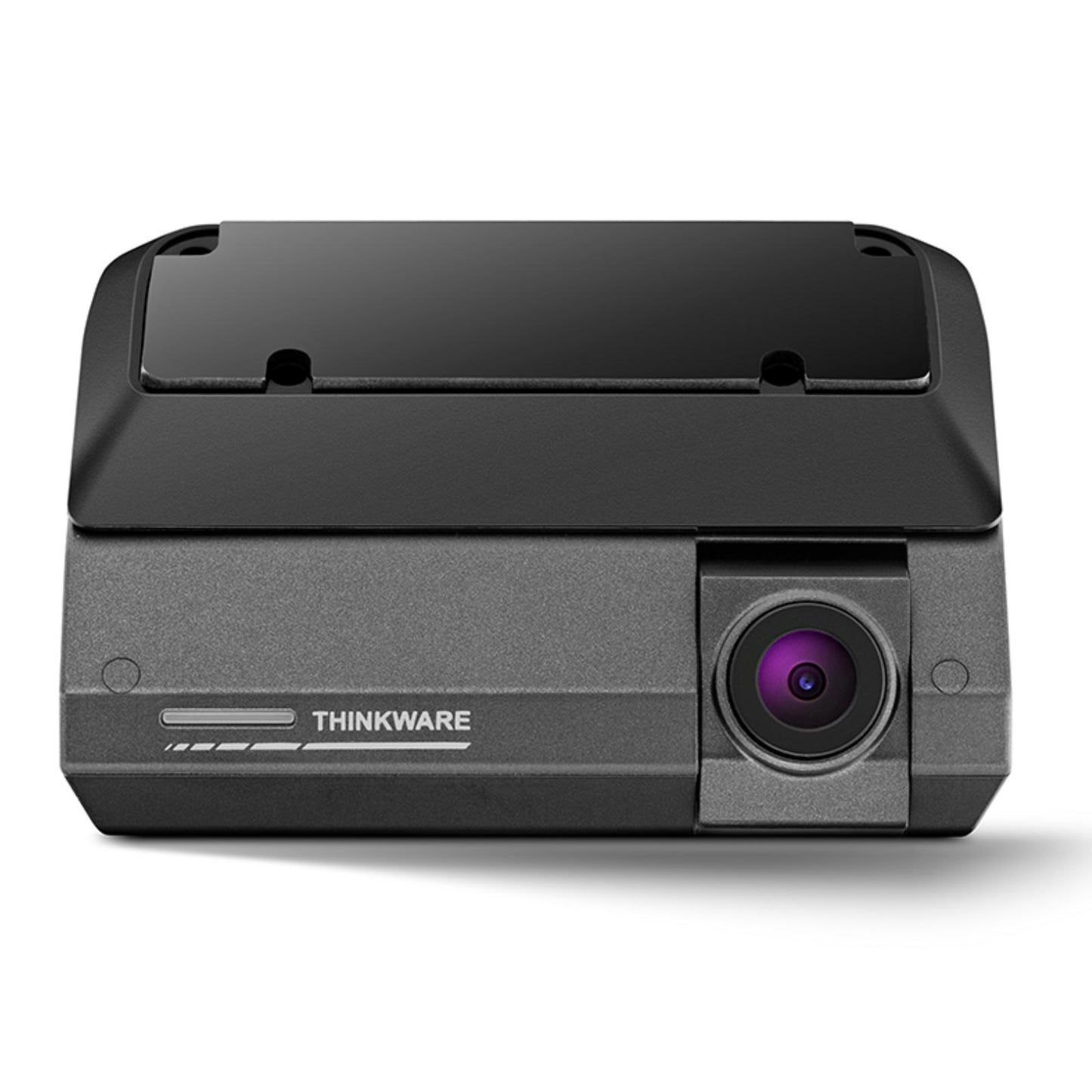
- Dimension 92 x 53.3 x 29.7 mm (3.6*2.1*1.16 inch), Including Cradle Mount 92 x 71.4 x 34.4 mm
- Weight 77.6g (0.17lbs) Including Cradle Mount (169.4g)
WHATS INCLUDED
- Dash Cam
- Hardwire Cable
- 32GB MicroSD Card
- SD Card Reader
- Windshield Mount
- Spare 3M Mounting Tapes
- Quick Start Guide





Installation Service
How the Installation Service Works?
Our installation service is designed to be simple, transparent, and efficient. Please follow the steps below to understand the full process:
Step 1: Place Your Order
-
Place your order on our website after confirming product compatibility with your vehicle.
-
On the Product page > Installation service > Select an Approved Installer located near you.
Step 2: Order Confirmation & Dispatch
-
Once your order is confirmed, we will dispatch the item directly to your address.
-
You will receive a dispatch confirmation email along with a tracking number so you can monitor delivery.
Step 3: Installer Details Provided
-
After the item has been dispatched, we will send you the contact details of the selected Approved Installer. Through Email, Check inbox or spam folder.
Step 4: Book Your Installation Appointment
-
Once you receive the Item and installer’s contact details, You must contact the installer directly.
-
When contacting the installer, please provide:
-
Your order number
-
The make and model of your vehicle
-
-
The installer will then arrange a mutually convenient appointment date and time.
Step 5: Attend the Installation
-
All installations are carried out at the installer’s location.
-
Please bring:
-
Your vehicle
-
The delivered product
-
Order confirmation (recommended)
-
-
The Approved Installer will complete the installation according to approved standards.
Step 6: Installation Completion
-
The installer will check the installation is secure and correctly fitted.
-
Your installation is completed by a trained professional for peace of mind.
Important Information
- Installation is not carried out at your home address.
- You can ask the Installer directly, If the are willing to offer service at your address for Extra mobile cost.
- Booking the appointment is the customer’s responsibility once installer details are provided.
- Delivery and installation are separate stages of the process.
Frequently Asked Questions (FAQs)
Q: How do I know if the product is compatible with my vehicle?
A: Compatibility must be confirmed before placing your order. If you are unsure, please contact us prior to purchase.
Q: Do you send the product to the installer?
A: No. The product is dispatched directly to your address, and you must take it with you to the installer. If the Installer already has item in stock that you have ordered. We will inform you to contact the installer to book an appointment.
Q: When do I receive the installer’s contact details?
A: Installer contact details are provided after your item has been dispatched.
Q: Who books the installation appointment?
A: The customer is responsible for contacting the installer and booking the appointment.
Q: Where does the installation take place?
A: All installations are carried out at the Approved Installer’s location. We use Third-Party approved installer. Which are hired on Per Job basis.
Q: What details do I need when contacting the installer?
A: You should provide:
-
Your order number
-
The make and model of your vehicle
Q: Can I change the installer after ordering?
A: Installer changes are subject to availability and must be requested before installation is booked.
Q: Approved Installers Location?
- GLASGOW - G40 Postcode
- MIDDLESBROUGH - Disclosed by Installer
- BRADFORD - BD8 & BD4 Postcode
- DEWSBURY - WF12 Postcode
- MANCHESTER - M32 Postcode
- NOTTINGHAM - NG5 1FS Postcode
- BRISTOL - BS7 Postcode
- SWANSEA - SA1 Postcode
- WEST LONDON - W7 Postcode
- EAST LONDON - E7 Postcode
- SOUTH LONDON - CR4 Postcode (Weekends Only)
- SURREY - KT20 Postcode
- SOUTHAMPTON - SO30 Postcode