


thecockpituk
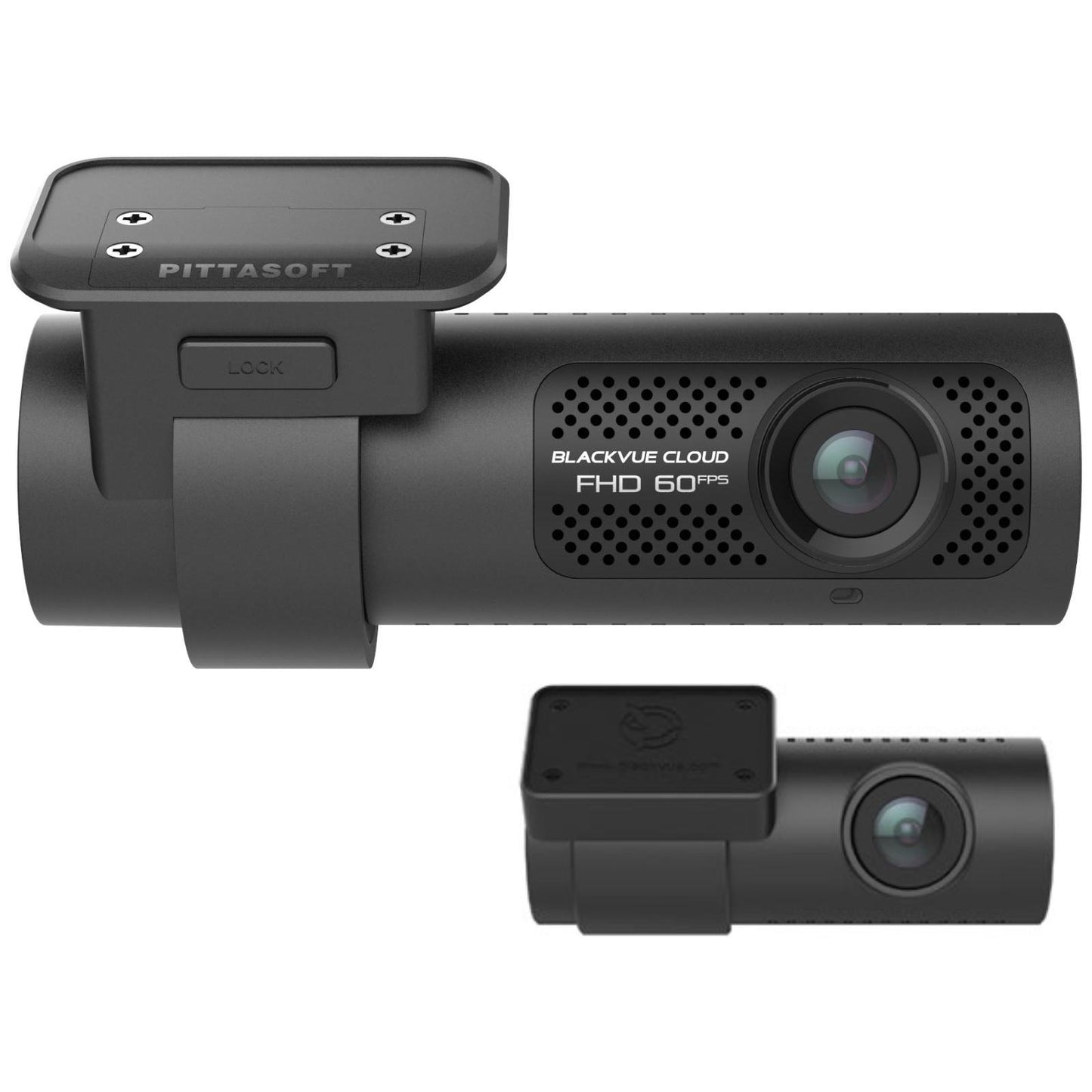
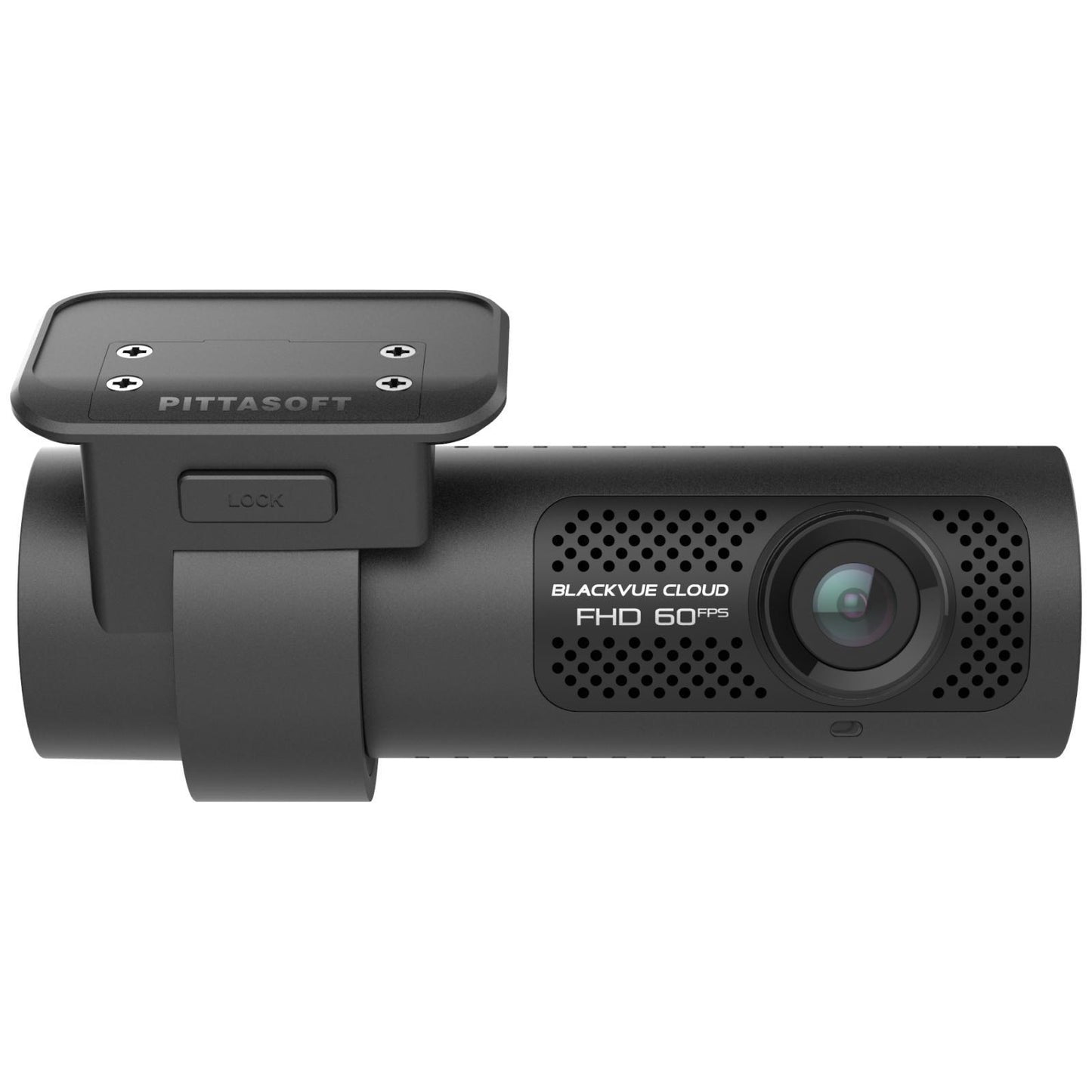
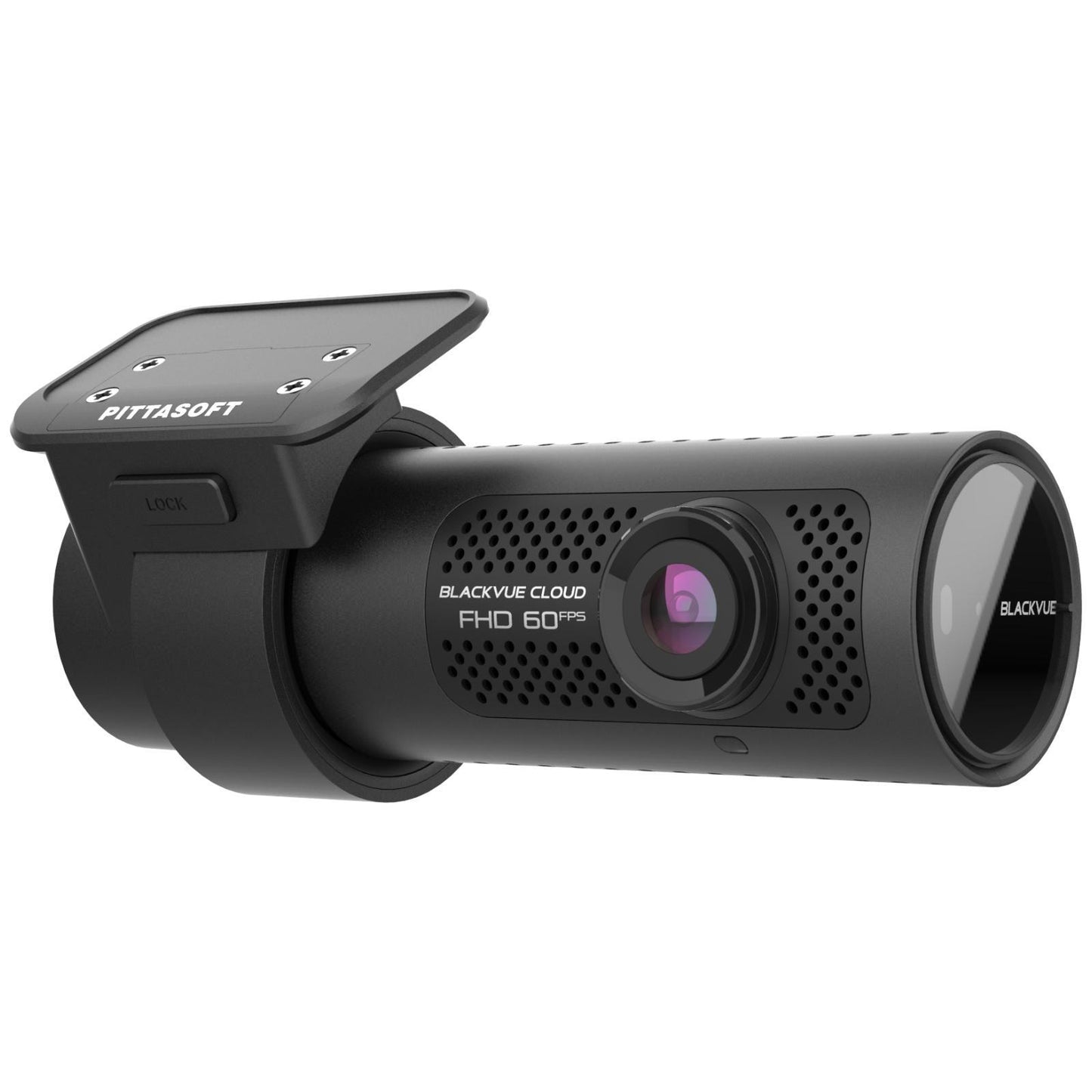
BLACKVUE DASH CAM DR750X-2CH PLUS HD 60 FPS STARVIS WI-FI GPS 2 CHANNEL CAMERA
BLACKVUE DASH CAM DR750X-2CH PLUS HD 60 FPS STARVIS WI-FI GPS 2 CHANNEL CAMERA
Couldn't load pickup availability
BENCHMARK 2-CHANNEL DR750X-1CH PLUS
THE DR750X-2CH REPRESENTS THE BENCHMARK IN THE SINGLE-CHANNEL DASH CAM CATEGORY, THE CHOICE FOR THE POWER-USER WHO DEMANDS THE ULTIMATE IN TERMS OF VIDEO QUALITY AND NEXT-GENERATION CONNECTED FEATURES.
PLUS IMPROVED SONY STARVIS SENSOR
The Sony STARVIS™ image sensor that equips the DR750X Plus Series front and rear cameras delivers outstanding low-light performance.
The back-illuminated sensor is capable of capturing an unprecedented amount of detail in both shadows and highlights.
DR750X-2CH DEFINITIVE
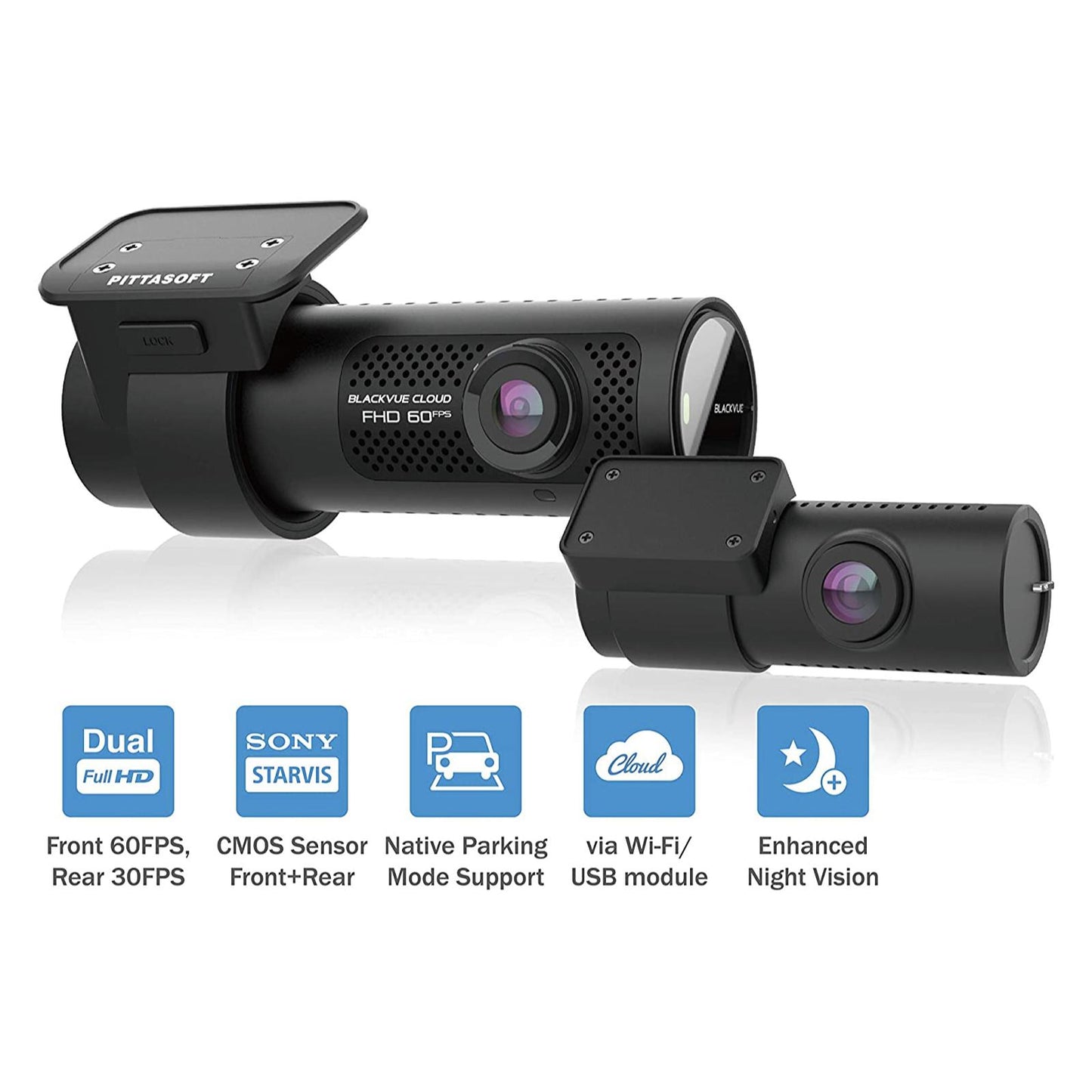
The DR750X-2CH represents the benchmark in the two-channel dash cam category, the choice for the power-user who demands the ultimate in terms of video quality and next-generation connected features.
- Front HD 60FPS
- 2 Channel
- CLOUD
- 4G READY
- 139°
- Wi-Fi/GPS
With Full HD 1080p performance front and rear, the DR750X-2CH provides class-leading protection for your vehicle by recording fluid 60 frames per second video footage (rear @ 30fpps) via an ultra-wide lens with a 139° viewing angle. A Sony STARVIS image sensor ensures the best possible image quality under any lighting conditions. Also included is GPS logging, Wi-Fi, Cloud-connectivity and impact and motion detection. All this in a stealthy compact design.
The DR750X is also compatible with BlackVue Cloud – a unique suite of LIVE app-based features that remotely connecting you with your vehicle, providing additional functionality including Live View, Remote Video Playback, Video Backup, Realtime Tracking and Emergency Notification Alerts.
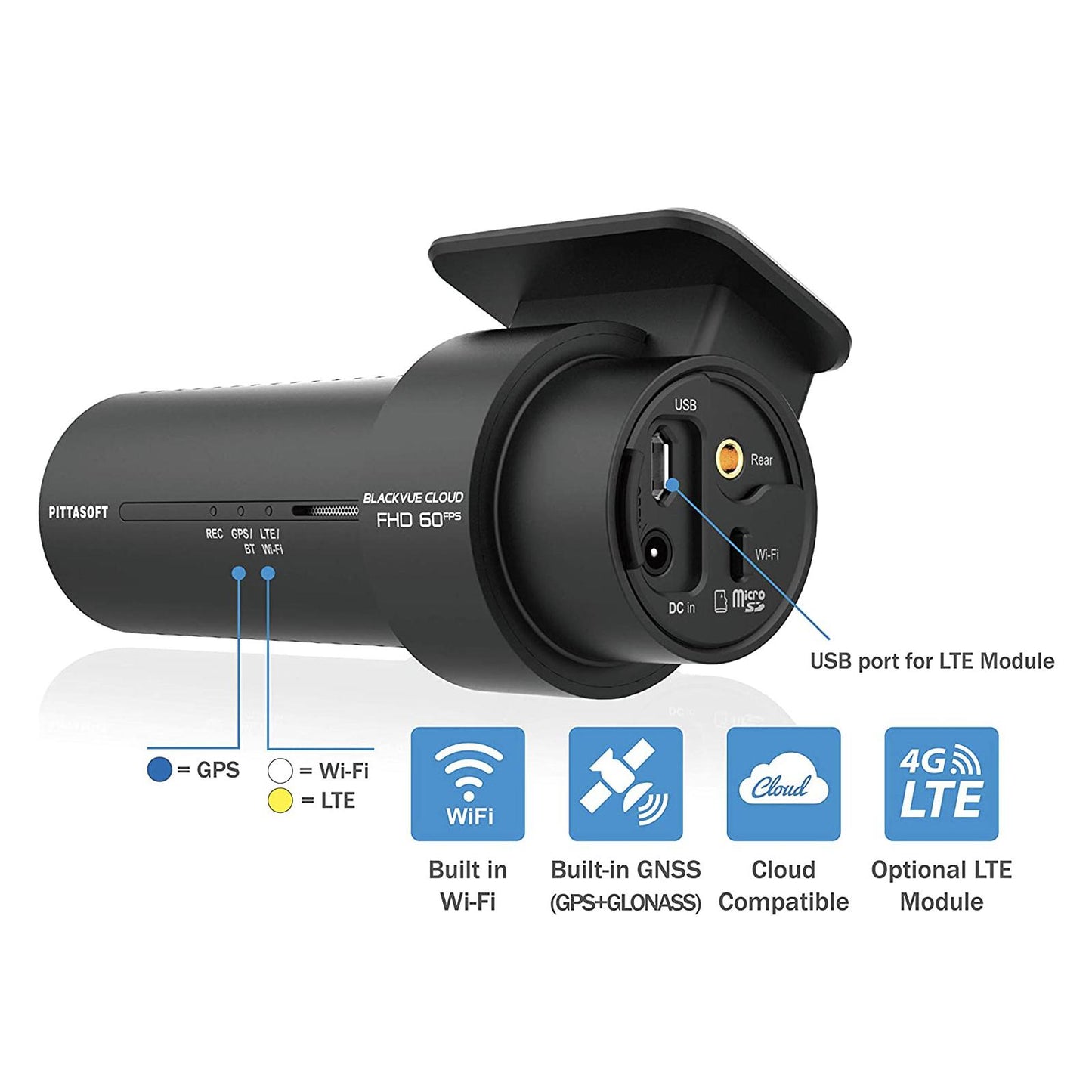
The DR750X is upgradable to full 4G always-on Cloud Connectivity, with the addition of the CM100LTE external connectivity module and supplied data SIM, meaning that you are always connected to your dash cam via the BlackVue app, and always able to receive notifications and remotely view video clips in the event of an incident.
2 CHANNEL
With twin Full HD cameras and a Sony STARVIS image sensor, the DR750X-2CH offers exceptional day and night performance.
PARKING MODE
The DR750X-1CH protects your vehicle even when you’re not around, thanks to BlackVue’s unique Intelligent Parking Mode.
GPS & DUAL BAND WIFI
Built-in GPS adds optional location and speed data overlay to recordings while Wi-Fi provides wireless connection to smartphones.
APP CONTROL
The BlackVue app for iOS & Android provides access the your dash cam’s settings, video files and LIVE BlackVue Cloud features.
FULL HD 60FPS + SONY STARVIS
With Full HD 1080p resolution, smooth 60 frames per second footage, ultra-wide lens with a 139° viewing angle, and SONY’S remarkable industry-leading STARVIS image sensor, the DR750X-1CH provides class-leading protection for your vehicle, in any lighting conditions.
SPECIFICATION
- Model Name DR750X-2CH
- Channel 2CH
- Highlights Full HD (Front + Rear), Cloud, Wi-Fi, GPS, Dual Sony Sensors, External LTE Module
- Product Dimensions Front: W 118.5 mm (4.67″) x H 36 mm (1.42″) /105 g (3.70 oz) Rear: W 67.4 mm (2.65″) x H 25 mm (0.98″) / 25 g (0.88 oz)
- Rear Camera Connection Coaxial cable
- Memory Support microSD card up to 256GB
- Recording Modes – Normal, – Event (Impact Detection / Speed Limit / Manual), – Parking Mode (Impact+Region-based Motion Detection, Timelapse+Events)
- Parking Mode YES (with 3-wire hardwiring cable – included)
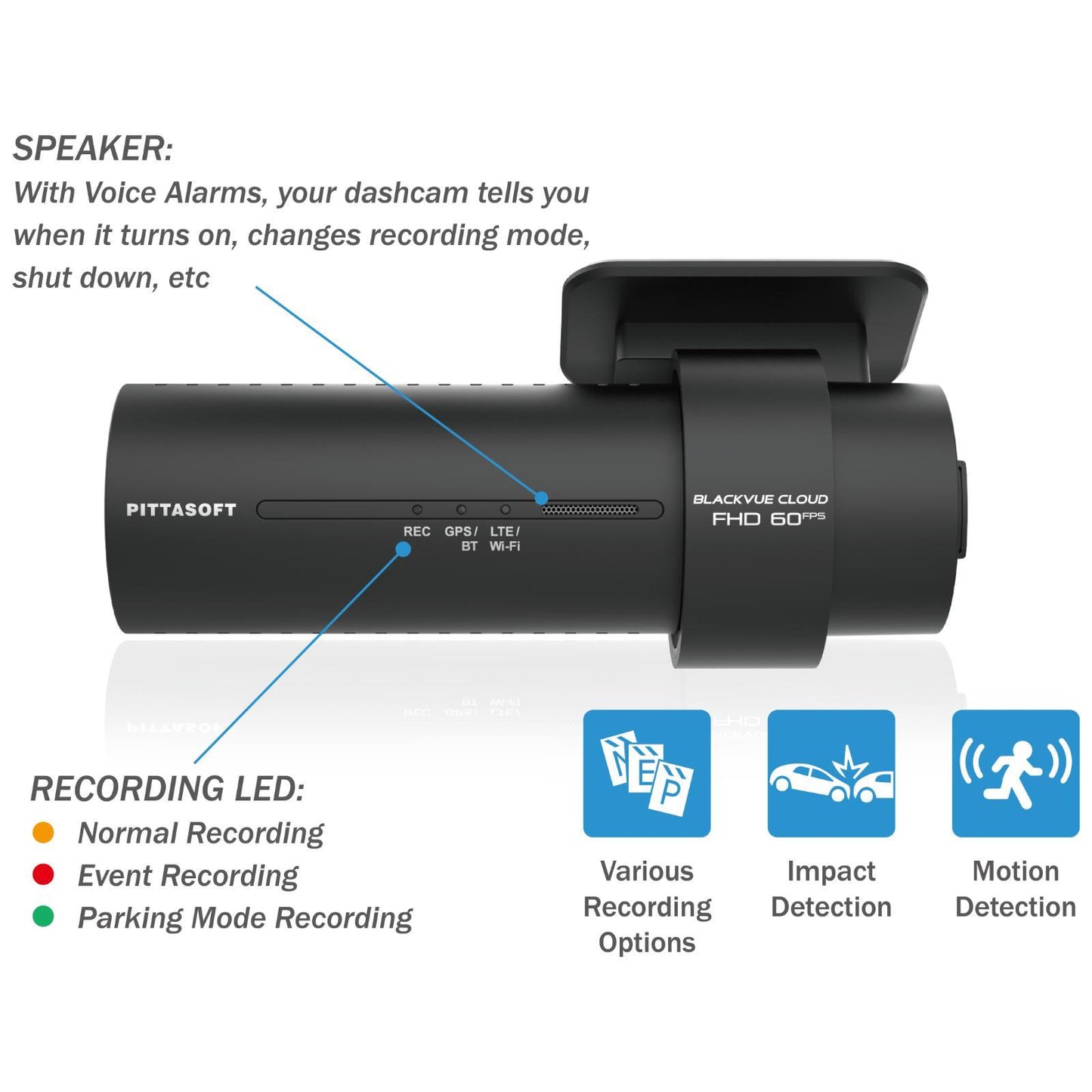
- Parking Mode Event Voice Notifications YES
- Imaging Sensor Front: Sony STARVIS™ CMOS Sensor (Approx. 2.1MP) Rear: Sony STARVIS™ CMOS Sensor (Approx. 2.1MP)
- Viewing Angle Front: Diagonal 139°, Horizontal 116°, Vertical 61° Rear: Diagonal 139°, Horizontal 116°, Vertical 61°
- Resolution Frame Rate Front / Rear Full HD @60fps – Full HD @30fps * Frame rate may vary during Wi-Fi streaming.
- Video Codec H.264 (AVC)
- Image Quality and Bitrate Front/Rear Highest (Extreme): 25+10 Mbps Highest: 12+10 Mbps High: 10+8 Mbps Normal: 8+6 Mbps
- Format Free YES (Adaptive)
- Event File Overwrite Protection YES (up to 50)
- SD Card Failure Alert YES
- Scheduled Reboot YES
- Video File Extension MP4
- Wi-Fi Built-in (802.11 b.g.n)
- Cloud Compatible YES
- GPS Built-in (Dual Band : GPS, GLONASS)
- Microphone Built-in
- Speaker Built-in
- Impact Sensor 3-Axis Acceleration Sensor
- LED Indicators Front: Recording LED, GPS/BT LED, LTE/Wi-Fi LED, Front Security LED, Proximity Sensing indicator LEDRear: Rear Security LED
- Button Button: Wi-Fi ON/OFF (Tap) Proximity sensor: Mic ON/OFF / Trigger Manual Recording / OFF (configurable)
- Operation Temperature -20 °C − 85 °C (-4 °F − 185 °F)
- Storage Temperature -20 °C − 90 °C (-4 °F − 194 °F )
- High Temp Cut Off Approx. 85 °C (185 °F)
- Backup Battery Built-in supercapacitor
- Input Power DC 12V-24V (DC Plug (Ø3.5 x Ø1.1)) to Wires (Black: GND / Yellow: B+ / Red: ACC)
- Power Consumption Hour Normal Mode (WiFi On / GPS On / 2CH) : 375mA / hour Normal Mode (WiFi Off / GPS On / 2CH) : 340mA / hour Parking Mode (WiFi On / GPS Off / 2CH) : 320mA / hour Parking Mode (WiFi Off / GPS Off / 2CH) : 285mA / hour * Actual power consumption may vary depending on use conditions and environment.
- Certifications Front: FCC, CE, RoHS, Telec, WEEE, IC Rear: FCC, CE, RoHS, WEEE
- software BlackVue Viewer * Windows 7 or higher and Mac Yosemite OS X (10.10) or higher
- Application BlackVue Application (Android 5.0 or higher, iOS 9.0 or higher)
- Others Adaptive Format-Free File Management System
- LTE External (optional)
WHAT'S INCLUDED
- Front camera
- Rear camera
- 32GB Card
- Cigarette lighter power cable
- Hardwiring power cable
- microSD Card reader
- Rear camera connection cable (6m / 19.68ft)
- Double-sided tape for the Mounting Brackets
- Cable clips(8EA)
- Pry tool
- Quick start guide
Installation Service
How the Installation Service Works?
Our installation service is designed to be simple, transparent, and efficient. Please follow the steps below to understand the full process:
Step 1: Place Your Order
-
Place your order on our website after confirming product compatibility with your vehicle.
-
On the Product page > Installation service > Select an Approved Installer located near you.
Step 2: Order Confirmation & Dispatch
-
Once your order is confirmed, we will dispatch the item directly to your address.
-
You will receive a dispatch confirmation email along with a tracking number so you can monitor delivery.
Step 3: Installer Details Provided
-
After the item has been dispatched, we will send you the contact details of the selected Approved Installer. Through Email, Check inbox or spam folder.
Step 4: Book Your Installation Appointment
-
Once you receive the Item and installer’s contact details, You must contact the installer directly.
-
When contacting the installer, please provide:
-
Your order number
-
The make and model of your vehicle
-
-
The installer will then arrange a mutually convenient appointment date and time.
Step 5: Attend the Installation
-
All installations are carried out at the installer’s location.
-
Please bring:
-
Your vehicle
-
The delivered product
-
Order confirmation (recommended)
-
-
The Approved Installer will complete the installation according to approved standards.
Step 6: Installation Completion
-
The installer will check the installation is secure and correctly fitted.
-
Your installation is completed by a trained professional for peace of mind.
Important Information
- Installation is not carried out at your home address.
- You can ask the Installer directly, If the are willing to offer service at your address for Extra mobile cost.
- Booking the appointment is the customer’s responsibility once installer details are provided.
- Delivery and installation are separate stages of the process.
Frequently Asked Questions (FAQs)
Q: How do I know if the product is compatible with my vehicle?
A: Compatibility must be confirmed before placing your order. If you are unsure, please contact us prior to purchase.
Q: Do you send the product to the installer?
A: No. The product is dispatched directly to your address, and you must take it with you to the installer. If the Installer already has item in stock that you have ordered. We will inform you to contact the installer to book an appointment.
Q: When do I receive the installer’s contact details?
A: Installer contact details are provided after your item has been dispatched.
Q: Who books the installation appointment?
A: The customer is responsible for contacting the installer and booking the appointment.
Q: Where does the installation take place?
A: All installations are carried out at the Approved Installer’s location. We use Third-Party approved installer. Which are hired on Per Job basis.
Q: What details do I need when contacting the installer?
A: You should provide:
-
Your order number
-
The make and model of your vehicle
Q: Can I change the installer after ordering?
A: Installer changes are subject to availability and must be requested before installation is booked.
Q: Approved Installers Location?
- GLASGOW - G40 Postcode
- MIDDLESBROUGH - Disclosed by Installer
- BRADFORD - BD8 & BD4 Postcode
- DEWSBURY - WF12 Postcode
- MANCHESTER - M32 Postcode
- NOTTINGHAM - NG5 1FS Postcode
- BRISTOL - BS7 Postcode
- SWANSEA - SA1 Postcode
- WEST LONDON - W7 Postcode
- EAST LONDON - E7 Postcode
- SOUTH LONDON - CR4 Postcode (Weekends Only)
- SURREY - KT20 Postcode
- SOUTHAMPTON - SO30 Postcode