


The IROAD FX series is equipped with the Road Safety Warning System that provides audio and visual alerts for Lane Departure (LDWS), Front Collision (FCWS) and Front Vehicle Departure (FVDW). It detects road markings and gives voice warnings to the drivers if the vehicle begins to stray from its lane or when it is at risk of an imminent crash.
iroad
IROAD FX1 1CH Dash Camera
IROAD FX1 1CH Dash Camera
Regular price
£185.00 GBP
Regular price
Sale price
£185.00 GBP
Unit price
per
Free Shipping in United Kingdom!
Couldn't load pickup availability
IROAD FX1 Dash Camera
1CH FHD | Built-in GPS | ADAS 2.0
Time Lapse | Hyper Lapse-4X Efficiency Recording | Wi-Fi | Night Vision
140º Wide Viewing Angle | Battery Discharge Prevention | Format Free 2.2
Mobile APP (Android/iOS) | Windows/Mac Viewer
4x More Recording Time

Long drive recording with
HYPER LAPSE
No more worries about missing out while driving long-distance.
By compressing the recorded video, Hyper Lapse minimizes the memory space and saves 4 times more footage.
However, when an event or impact occurs, recording frame rate switches automatically to 30 fps to provide clearer images of important moments.
Long parking recording with
TIME LAPSE
Experience continuous Parking Mode recording for a long time with IROAD Time Lapse.
Time Lapse is a low-capacity recording method that minimizes the storage space by compressing and saving at 1fps while in Parking Mode.
On the other hand, when an impact or motion is detected during Parking Mode, it switches automatically to 30 fps to provide clearer images of important moments.
| PARKING MODE | Normal | TIME LAPSE |
|---|---|---|
| CAPACITY | 32GB | 32GB |
| FPS | 30 fps | 1 fps |
| RECORDING TIME | About 4H | About 48H |


FRONT VEHICLE DEPARTURE WARNING
FVDW
When the car is stopped at an intersection or in traffic, FVDW informs the driver when the vehicle in front has started to move, preventing delayed departure.


COMPREHENSIVE DRIVING DATA THROUGH
BUILT-IN GPS
The GPS data in the IROAD FX series can precisely pinpoint the vehicle’s location and routes on the map, while also displaying the driving speed. This helps to more accurately assess the situation and the circumstances in case of an accident.


High Definition Video Quality
1080p FHD 1CH
CMOS Image Sensors allow constant FHD 1080p Front recording during both daytime and nighttime along with a 140-degree wide angle lens view. This will minimize blind spots to assure recording of all events without fail.

NIGHTTIME PICTURE QUALITY CORRECTION
NIGHT VISION
Videos recorded by a dash cam in low light environments such as dark alleyways or underground parking lots can pose difficulties when you try to accurately identify information from the image.
IROAD NIGHT VISION employs the new ISP (Image Signal Processing) technology and the real-time image processing function to provide brighter images than our earlier models when recording at nighttime during Parking Mode.
LIGHT EXPOSURE
AUTOMATIC EXPOSURE
Sudden light exposure while driving, such as strong direct sunlight or the light of incoming vehicles at night, can sometimes affect your vision and make it difficult to assess the situation.
The IROAD FX series dash cams automatically adjust the amount of light exposure to provide bright and clear images in any situation.

VARIOUS AUTONOMOUS RECORDING MODES
CONTINUOUS RECORDING MODE
This mode is activated automatically when you start the engine. Recorded videos are saved in one-minute segments with an auto-looping mechanism.
EVENT RECORDING MODE
It will automatically start an Event recording when motion or impact is detected around the vehicle during both parking and driving mode.
MANUAL RECORDING
Generate Event files on request when witnessing a traffic incident or something interesting on the road that you want to make sure you catch on camera. When pressing the Manual Recording button, the dash cam records and separately stores a few seconds of footage before (5-10s) and after (15-20s) that moment as a Manual Recording file protected from overwriting (limit before overwriting: up to max. 4% of total SD card storage).
PARKING IMPACT BUFFERED RECORDING
When in Parking Mode, the built-in G sensor detects when an impact with the vehicle has occurred, for which the dash cam generates an event file stored separately, protected from overwriting (if SD card storage is assigned to Event files through the dash cam settings). The saved video will include a few seconds before the impact occurred (5-10s) and a few seconds after (15-20s). This can be turned ON regardless of the Parking Mode used (Time-lapse or Motion Detection).
TIME-LAPSE PARKING MODE
The dash cam will continuously record at 1fps during Parking Mode. If Parking Impact is turned ON, the frame rate will briefly switch from 1fps to 30fps when recording the impact, then the dash cam will continue recording at 1fps.
MOTION DETECTION PARKING MODE
The dash cam stays “asleep” until it detects movement around the vehicle. In this mode, any motion happening around the vehicle in recorded in an event file stored separately. The saved video will include a few seconds before the motion was detected (5-10s) and a few seconds after (15-20s).
STORAGE TIME BY MEMORY CARD

RESOLUTION - Front:1080p FHD / Rear:1080p FHD
A = Driving mode 100% @30fps
A [Driving mode 100%]
|
Storage
|
Recording Time
|
|
32GB
|
About 4H 20Min
|
|
64GB
|
About 8H 40Min
|
|
128GB
|
About 17H 20Min
|
|
256GB
|
About 35H 40Min
|
B [Driving mode(HYPER LAPSE) 100%]
|
Storage
|
Recording Time
|
|
32GB
|
About 48H
|
|
64GB
|
About 96H
|
|
128GB
|
About 192H
|
|
256GB
|
About 382H
|
C = Parking mode(TIME LAPSE) 100% @1fps
C [Parking mode(TIME LAPSE) 100%]
|
Storage
|
Recording Time
|
|
32GB
|
About 48H
|
|
64GB
|
About 96H
|
|
128GB
|
About 192H
|
|
256GB
|
About 382H
|
D = Parking Impact 50% + Motion 50% @30fps
D [Parking Impact 50% + Motion 50%]
|
Storage
|
Recording Time
|
|
32GB
|
About 4H 30Min
|
|
64GB
|
About 9H
|
|
128GB
|
About 17H 40Min
|
|
256GB
|
About 36H
|
A + D = Driving mode 50% + Parking mode 50%
A [Driving mode 50%]
D [Parking mode 50%]
D [Parking mode 50%]
|
Storage
|
Recording Time
|
|
32GB
|
About 4H 10Min
|
|
64GB
|
About 8H 50Min
|
|
128GB
|
About 17H 30Min
|
|
256GB
|
About 35H 50Min
|
A + C = Driving mode 50% + TIME LAPSE 50%
A[Driving mode 50%]
C [Parking mode 50%]
|
Storage
|
Recording Time
|
|
32GB
|
About 22H 40Min
|
|
64GB
|
About 45H
|
|
128GB
|
About 89H 40Min
|
|
256GB
|
About 180H
|
B + C = HYPER LAPSE 50% + TIME LAPSE 50%
B[Driving mode 50%]
C [Parking mode 50%]
|
Storage
|
Recording Time
|
|
32GB
|
About 48H
|
|
64GB
|
About 96H
|
|
128GB
|
About 192H
|
|
256GB
|
About 382H
|


Wide Viewing Angle
140º WIDE ANGLE LENS
The 140 ° angle lens offer a wide angle of view and minimize blind spots, ensuring all scenes that can be seen through the front windshield are completely recorded.

PARKING MODE WITH MINIMUM POWER CONSUMPTION
ENERGY SAVING 2.4W
In parking mode, power consumption is greatly reduced to maximize recording time. In addition, to protect the vehicle battery, the dash cam automatically powers off when the vehicle battery voltage falls below a certain set value (Battery Discharge Prevention).

HIGH DURABILITY
HIGH-TEMPERATURE PROTECTION
The FX series models are built to endure both high and low temperatures in order to keep the device running smoothly. The high-temperature protection function makes the device automatically turn off in case of overheating, protecting both the device and the stored data.

HIGH-EFFICIENCY VIDEO CODING FORMAT
FORMAT FREE 2.2
The 2022 newly released IROAD FX series dash cams use a new file format which allows for a higher compression rate, uses memory space more efficiently and provides outstanding image quality.
Format Free 2.2 is a server storage technology developed by IROAD that maximizes the life span, stability and efficiency of memory cards.

IROAD FX1
About The Device

IROAD FX SERIES
Specifications
| RESOLUTION / FRAME RATE |
FHD 1920x1080p |
|---|---|
| VIEWING ANGLE |
140° |
| WI-FI |
Firmware Automatic Update, Smartphone Playback/Settings |
| WI-FI BUTTON |
Activate "Stand-by Mode for Registration" |
| AUDIO INPUT |
Embedded MIC |
| VIDEO/AUDIO |
H.264/PCM |
| VIBRATION SENSOR |
3-axis Acceleration Sensor |
| VOICE GUIDANCE |
Effect sound/buzz alerted to inform the condition of the device Voice Guidance supported |
| GPS |
Records the location and travelling speed of the vehicle, Synced with Google Maps |
| CAPACITY |
Micro SD 32GB ~ 512GB (Class10) |
| RECORDING MODES |
Driving (Normal, Hyperlapse), Event (Impact), Parking (Timelapse, Motion Dectection) |
| UNINTERRUPTED POWER |
Uninterrupted Power (Low voltage cut-off, overheating prevention is embedded) |
| POWER SUPPLY |
DC 12V/24V |
| OPERATION TEMPERATURE |
-10 ~ 60°C |
| HUMIDITY |
10 ~ 95% |
| PC VIEWER |
Mac (macOS 11.0 or higher), Win10 (64Bit), Win7, Win8 |
| APPLICATION |
Android 6.0, iOS 13.0 or higher |
IROAD FX1
Package Contents

 Wi-Fi USB Dongle
 Micro SD X10
 Uninterrupted Fuse Cable
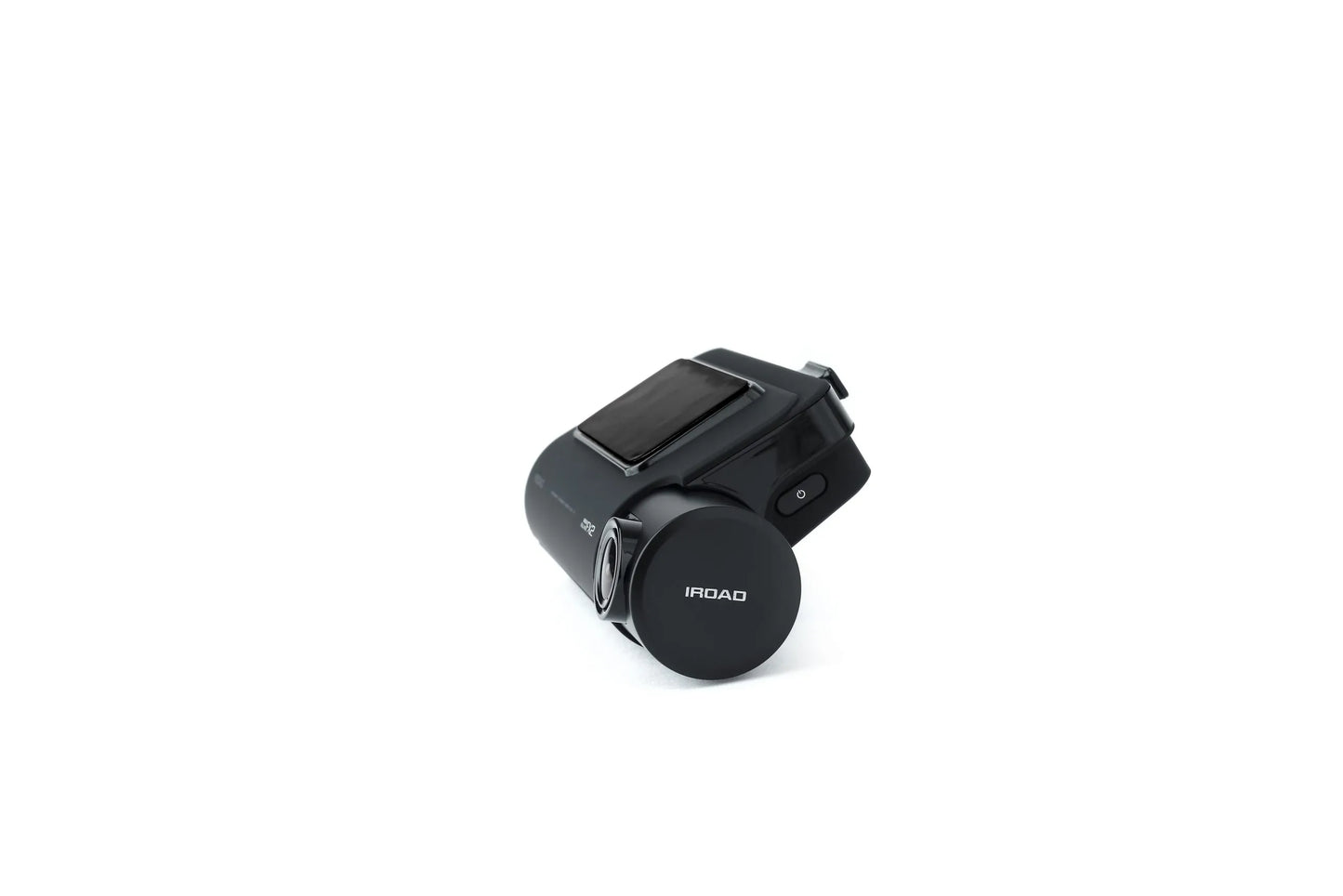
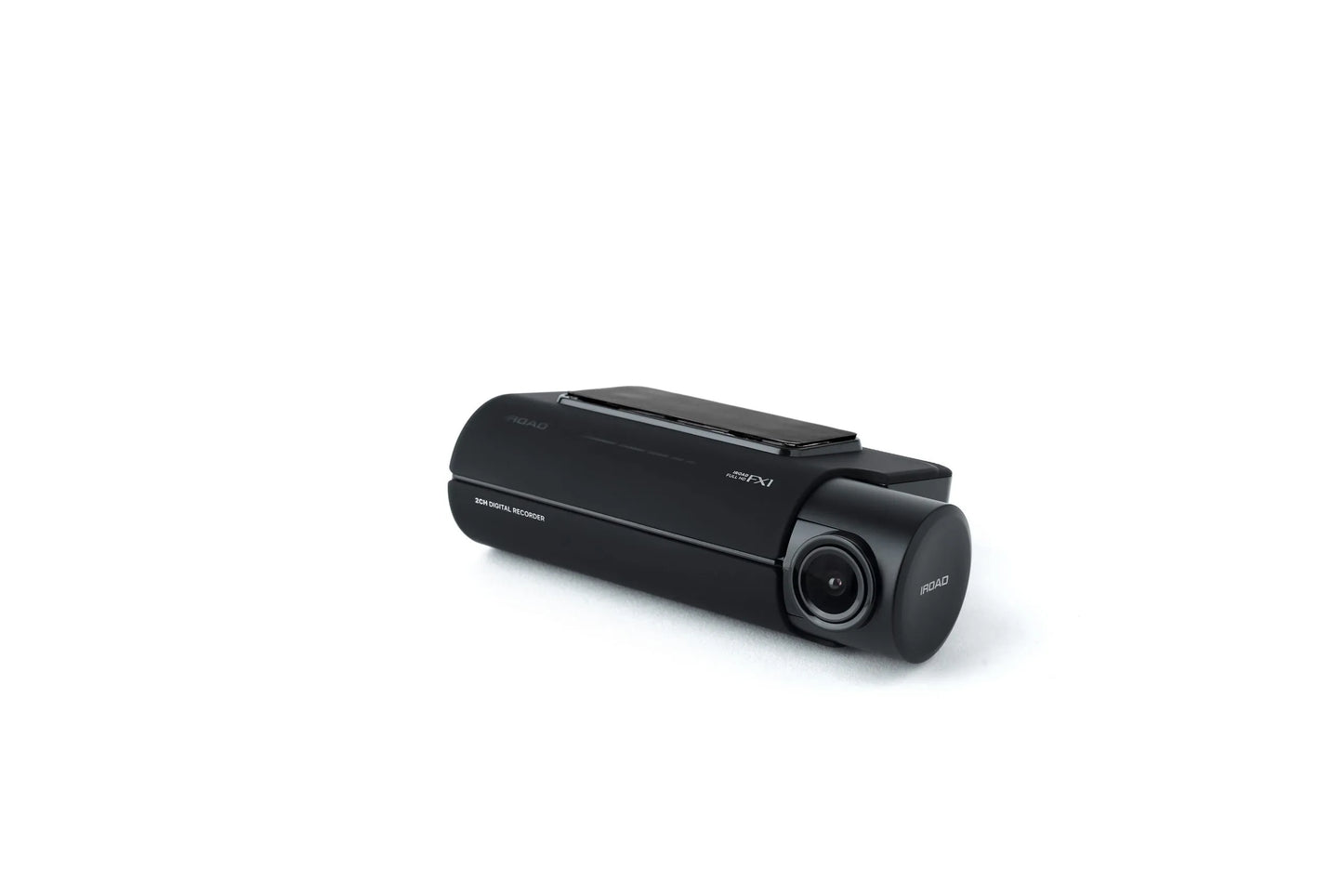
 Mount with 3M tape (1ea)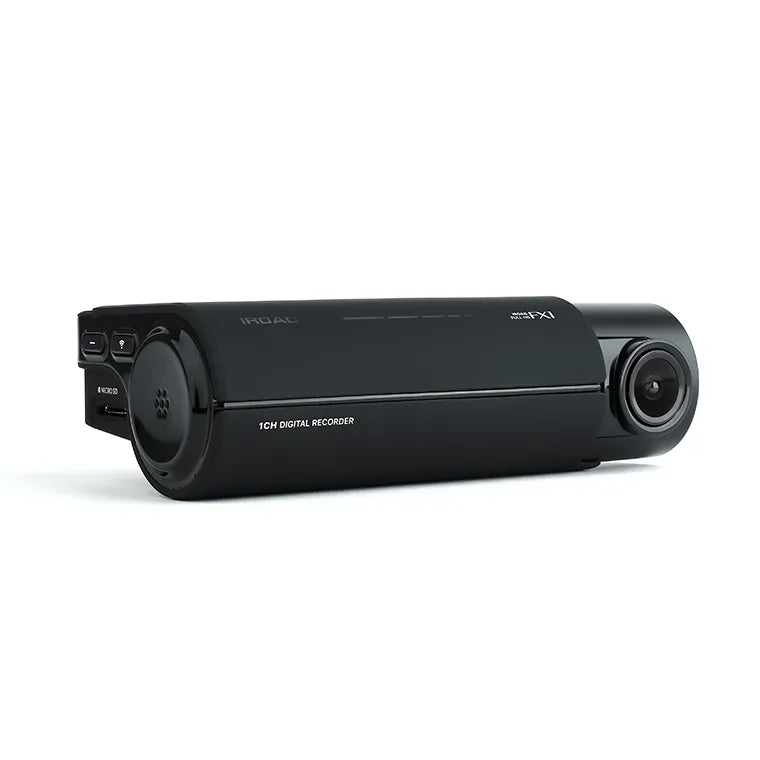
Installation Service
How the Installation Service Works?
Our installation service is designed to be simple, transparent, and efficient. Please follow the steps below to understand the full process:
Step 1: Place Your Order
-
Place your order on our website after confirming product compatibility with your vehicle.
-
On the Product page > Installation service > Select an Approved Installer located near you.
Step 2: Order Confirmation & Dispatch
-
Once your order is confirmed, we will dispatch the item directly to your address.
-
You will receive a dispatch confirmation email along with a tracking number so you can monitor delivery.
Step 3: Installer Details Provided
-
After the item has been dispatched, we will send you the contact details of the selected Approved Installer. Through Email, Check inbox or spam folder.
Step 4: Book Your Installation Appointment
-
Once you receive the Item and installer’s contact details, You must contact the installer directly.
-
When contacting the installer, please provide:
-
Your order number
-
The make and model of your vehicle
-
-
The installer will then arrange a mutually convenient appointment date and time.
Step 5: Attend the Installation
-
All installations are carried out at the installer’s location.
-
Please bring:
-
Your vehicle
-
The delivered product
-
Order confirmation (recommended)
-
-
The Approved Installer will complete the installation according to approved standards.
Step 6: Installation Completion
-
The installer will check the installation is secure and correctly fitted.
-
Your installation is completed by a trained professional for peace of mind.
Important Information
- Installation is not carried out at your home address.
- You can ask the Installer directly, If the are willing to offer service at your address for Extra mobile cost.
- Booking the appointment is the customer’s responsibility once installer details are provided.
- Delivery and installation are separate stages of the process.
Frequently Asked Questions (FAQs)
Q: How do I know if the product is compatible with my vehicle?
A: Compatibility must be confirmed before placing your order. If you are unsure, please contact us prior to purchase.
Q: Do you send the product to the installer?
A: No. The product is dispatched directly to your address, and you must take it with you to the installer. If the Installer already has item in stock that you have ordered. We will inform you to contact the installer to book an appointment.
Q: When do I receive the installer’s contact details?
A: Installer contact details are provided after your item has been dispatched.
Q: Who books the installation appointment?
A: The customer is responsible for contacting the installer and booking the appointment.
Q: Where does the installation take place?
A: All installations are carried out at the Approved Installer’s location. We use Third-Party approved installer. Which are hired on Per Job basis.
Q: What details do I need when contacting the installer?
A: You should provide:
-
Your order number
-
The make and model of your vehicle
Q: Can I change the installer after ordering?
A: Installer changes are subject to availability and must be requested before installation is booked.
Q: Approved Installers Location?
- GLASGOW - G40 Postcode
- MIDDLESBROUGH - Disclosed by Installer
- BRADFORD - BD8 & BD4 Postcode
- DEWSBURY - WF12 Postcode
- MANCHESTER - M32 Postcode
- NOTTINGHAM - NG5 1FS Postcode
- BRISTOL - BS7 Postcode
- SWANSEA - SA1 Postcode
- WEST LONDON - W7 Postcode
- EAST LONDON - E7 Postcode
- SOUTH LONDON - CR4 Postcode (Weekends Only)
- SURREY - KT20 Postcode
- SOUTHAMPTON - SO30 Postcode