
thecockpituk
MERCEDES ML CLASS W166 APPLE CARPLAY AND ANDROID AUTO INTERFACE
MERCEDES ML CLASS W166 APPLE CARPLAY AND ANDROID AUTO INTERFACE
Couldn't load pickup availability
FULLY INTEGRATED APPLE CARPLAY OR ANDROID AUTO INTO YOUR MERCEDES ML CLASS W166
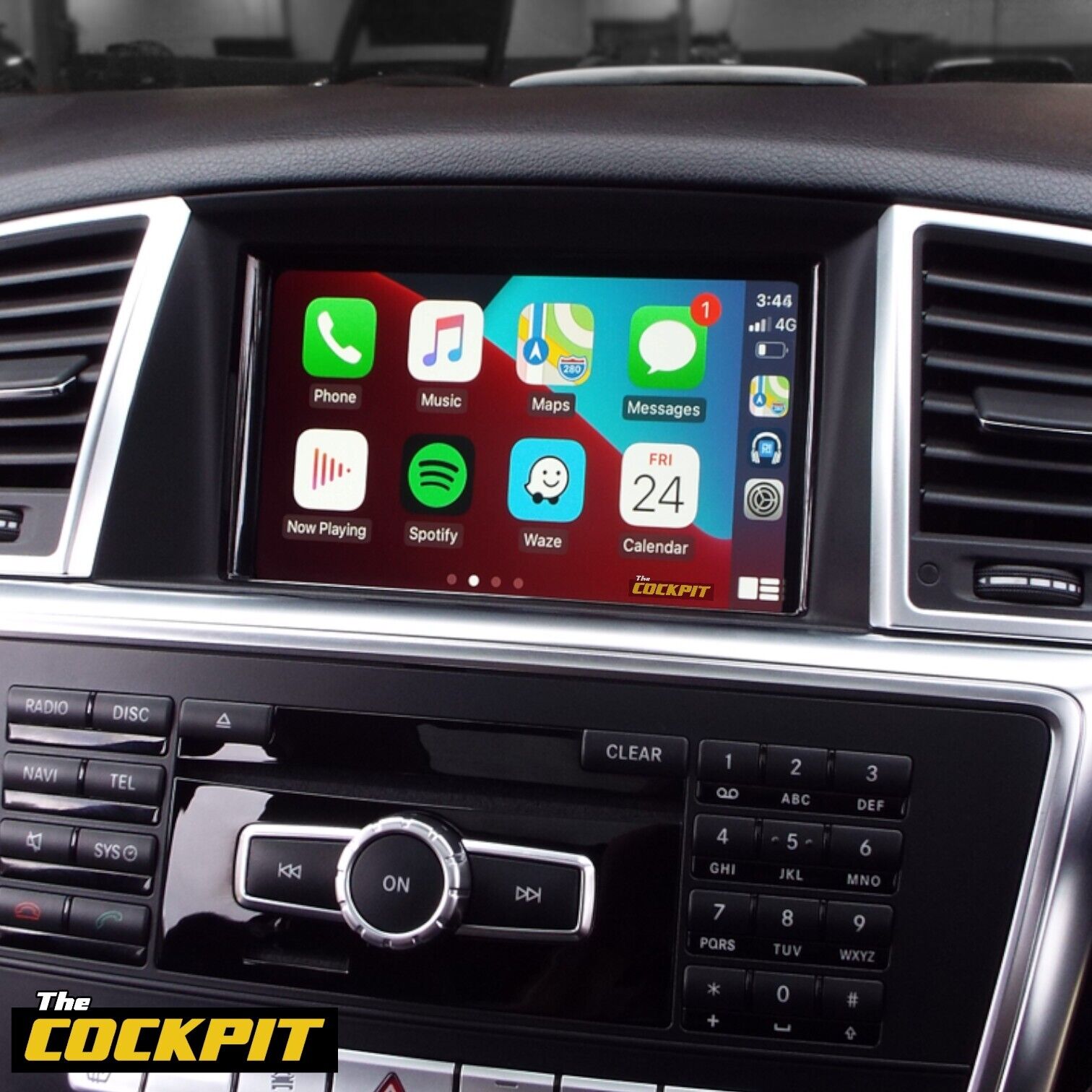
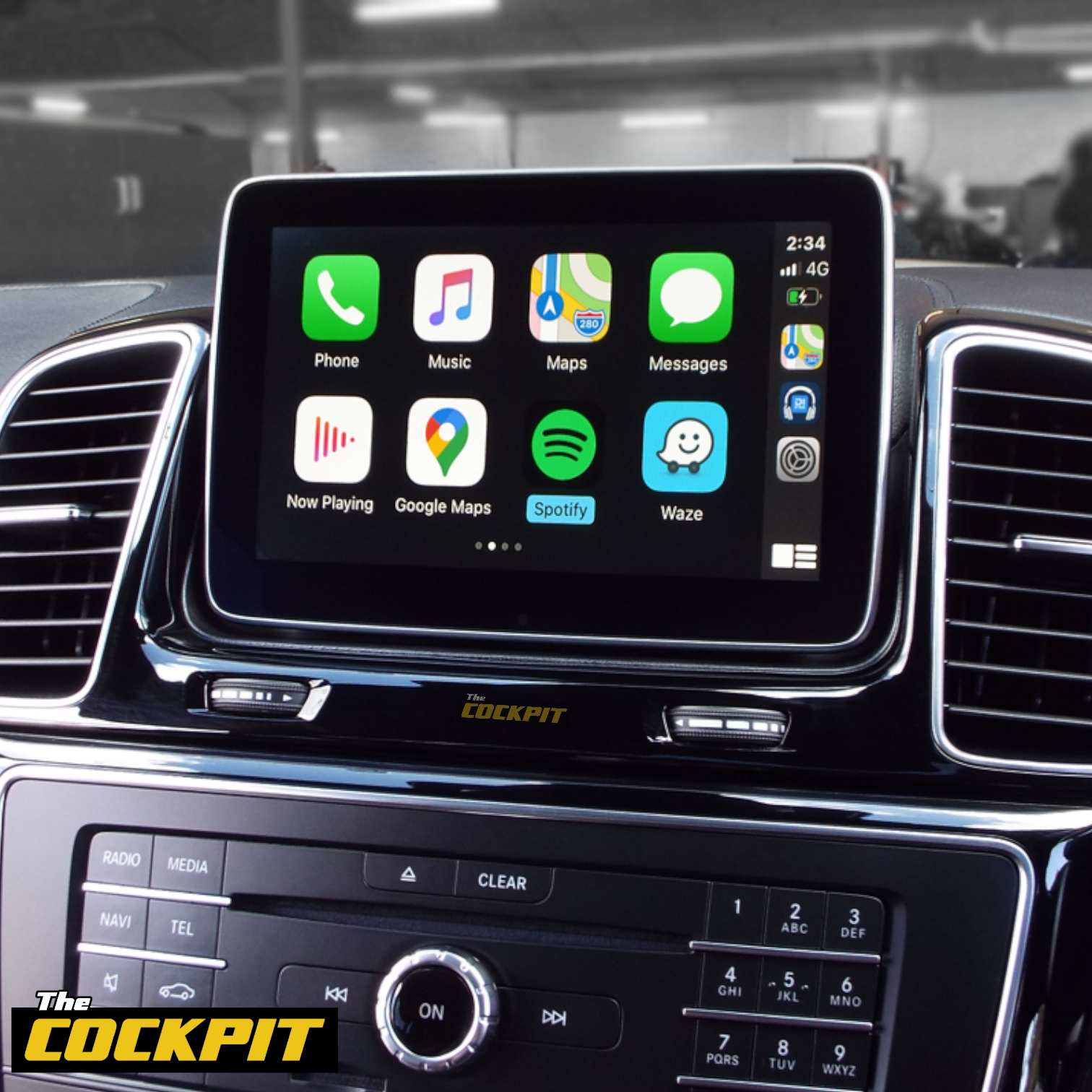
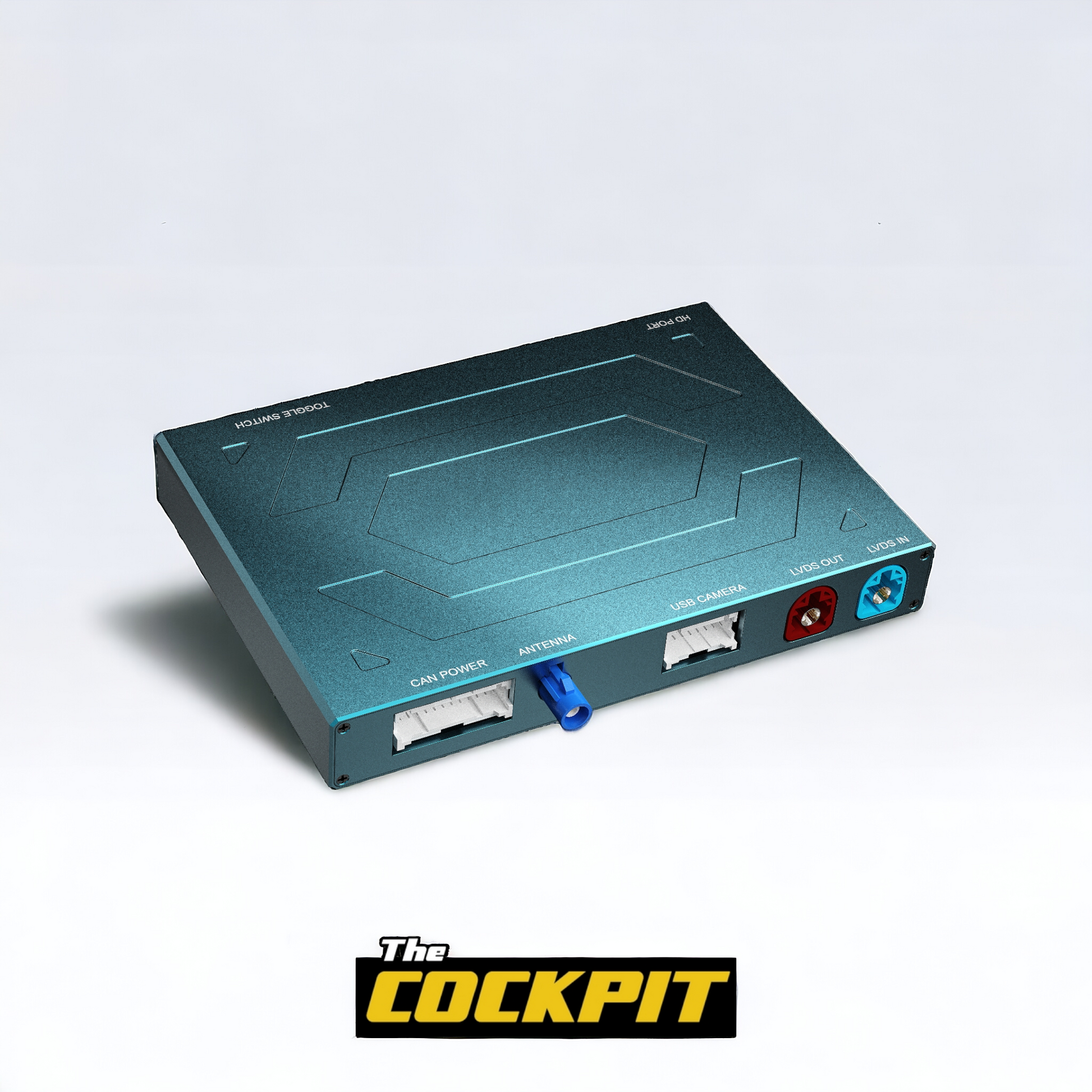
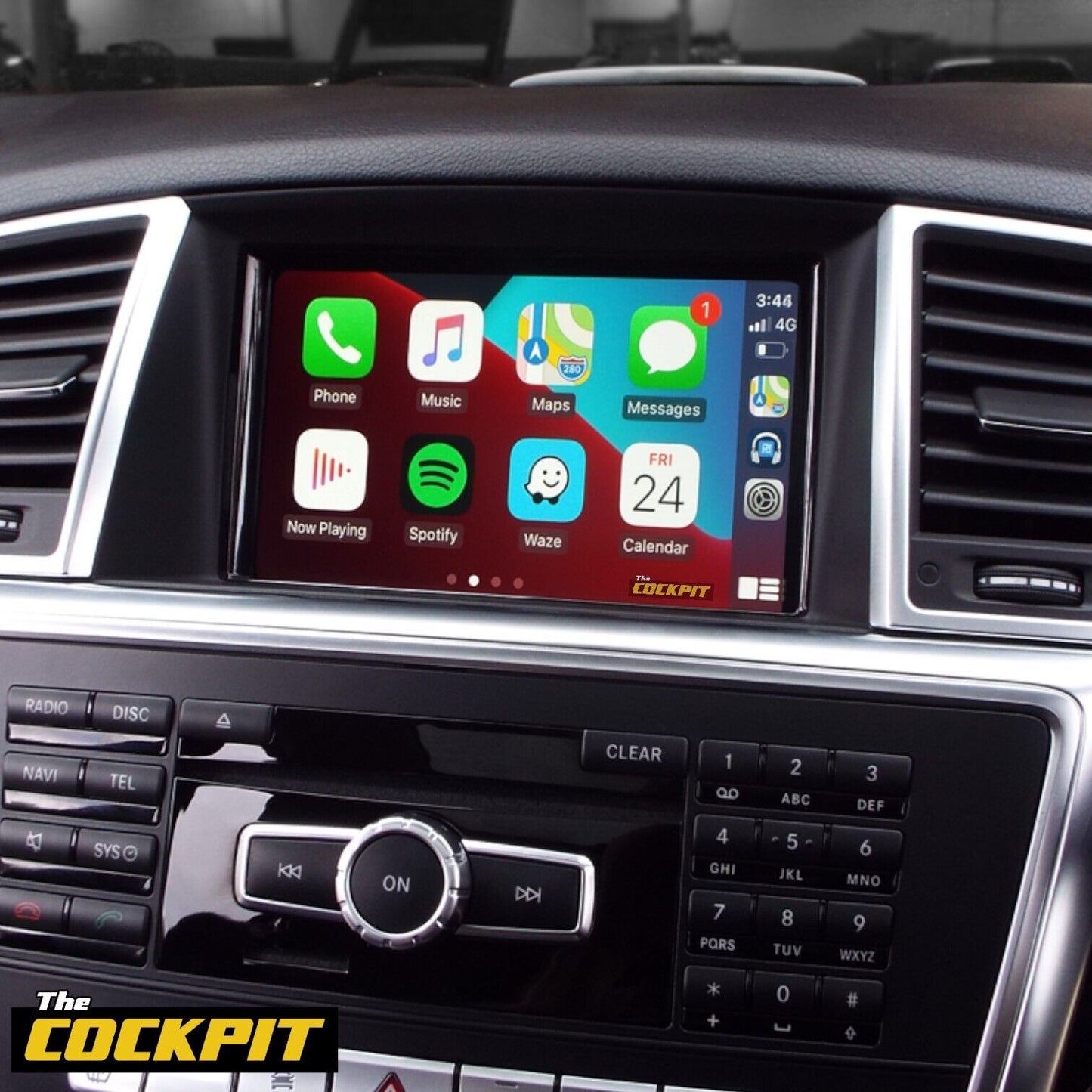
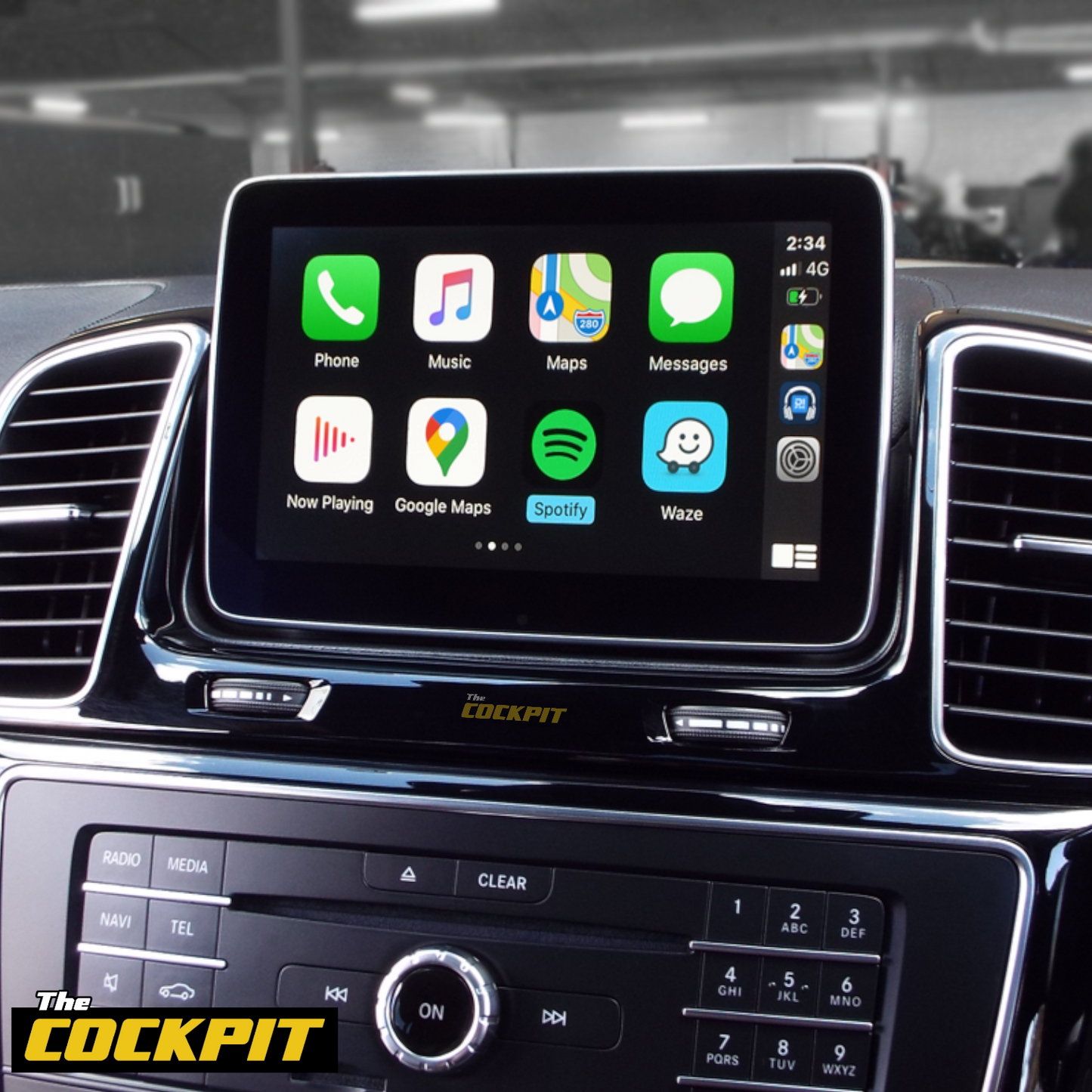
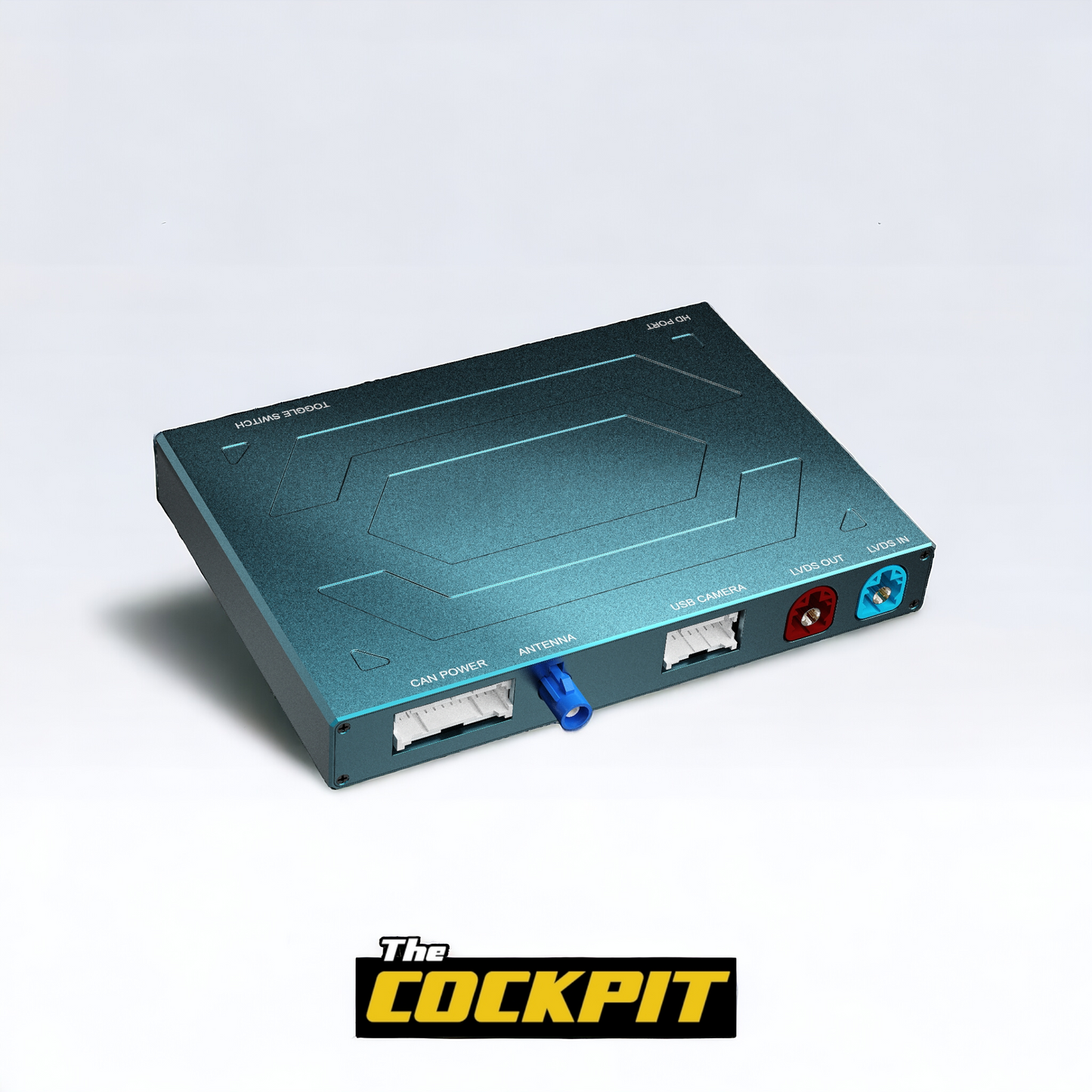
This retrofit interface from The Cockpit UK enables you to use Apple CarPlay and Android Auto functionality on your cars original screen.
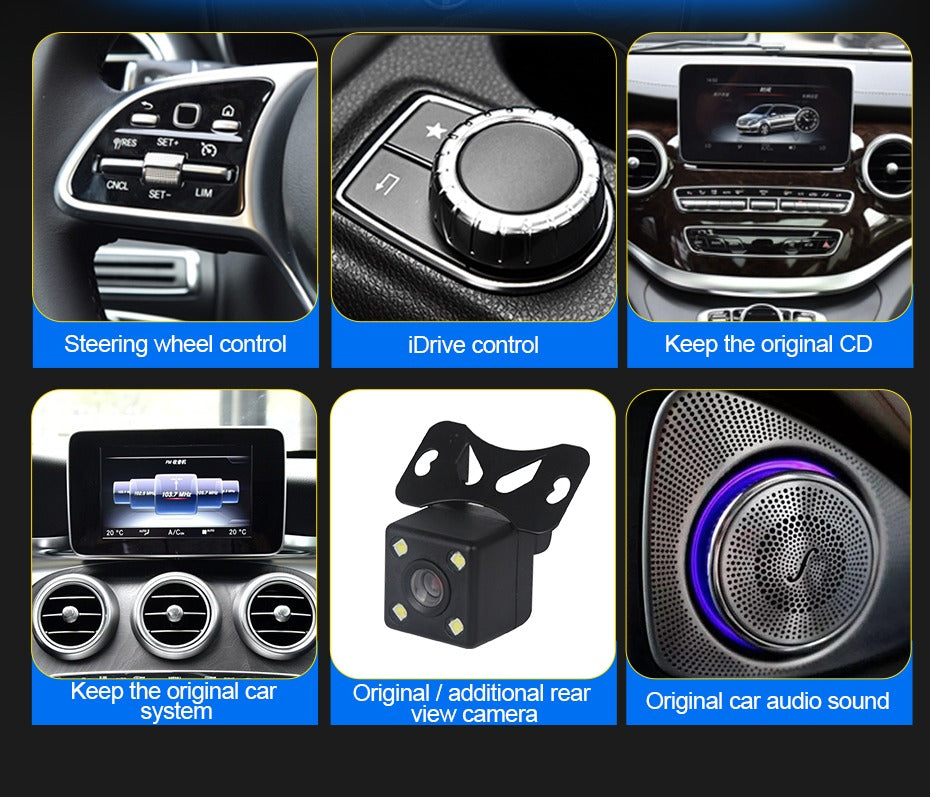
Retains full original factory information displayed on the cars screen.
KEY FEATURES
- Superior sound quality due to good quality components
- Wireless or wired Apple CarPlay functionality for iPhone 5 or later.
- Wired Android Auto functionality for compatible Android phone models.
- Screen mirroring function for iPhone and Android phones.
- Use your favourite phone apps for GPS navigation and be notified of the live traffic information from Google Maps, Waze, Apple Maps, TomTom.
- Allows handsfree calling and messaging.
- Voice control via Siri or Google
- Play music from your favourite streaming services like Apple Music, Amazon Music, Spotify, Tidal, BBC Sounds and many more.
- Can be connected via Bluetooth, so CarPlay will auto connect and display when you step in the car.
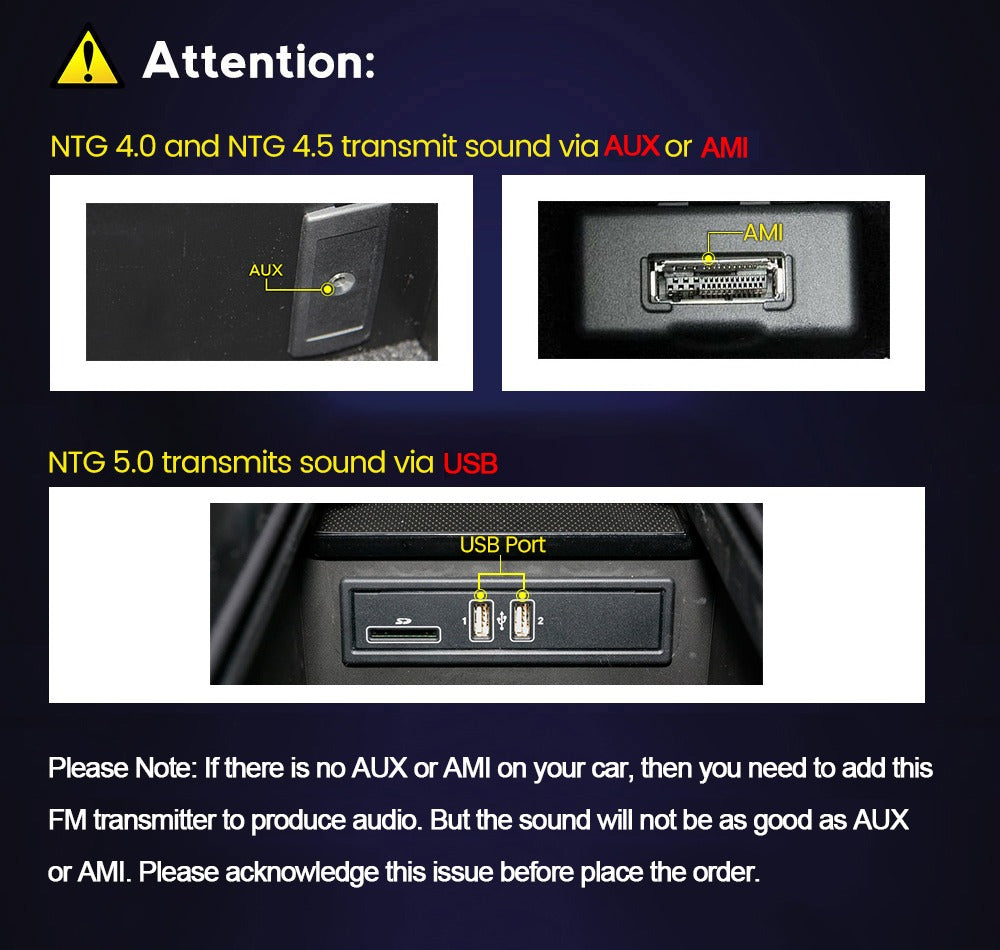
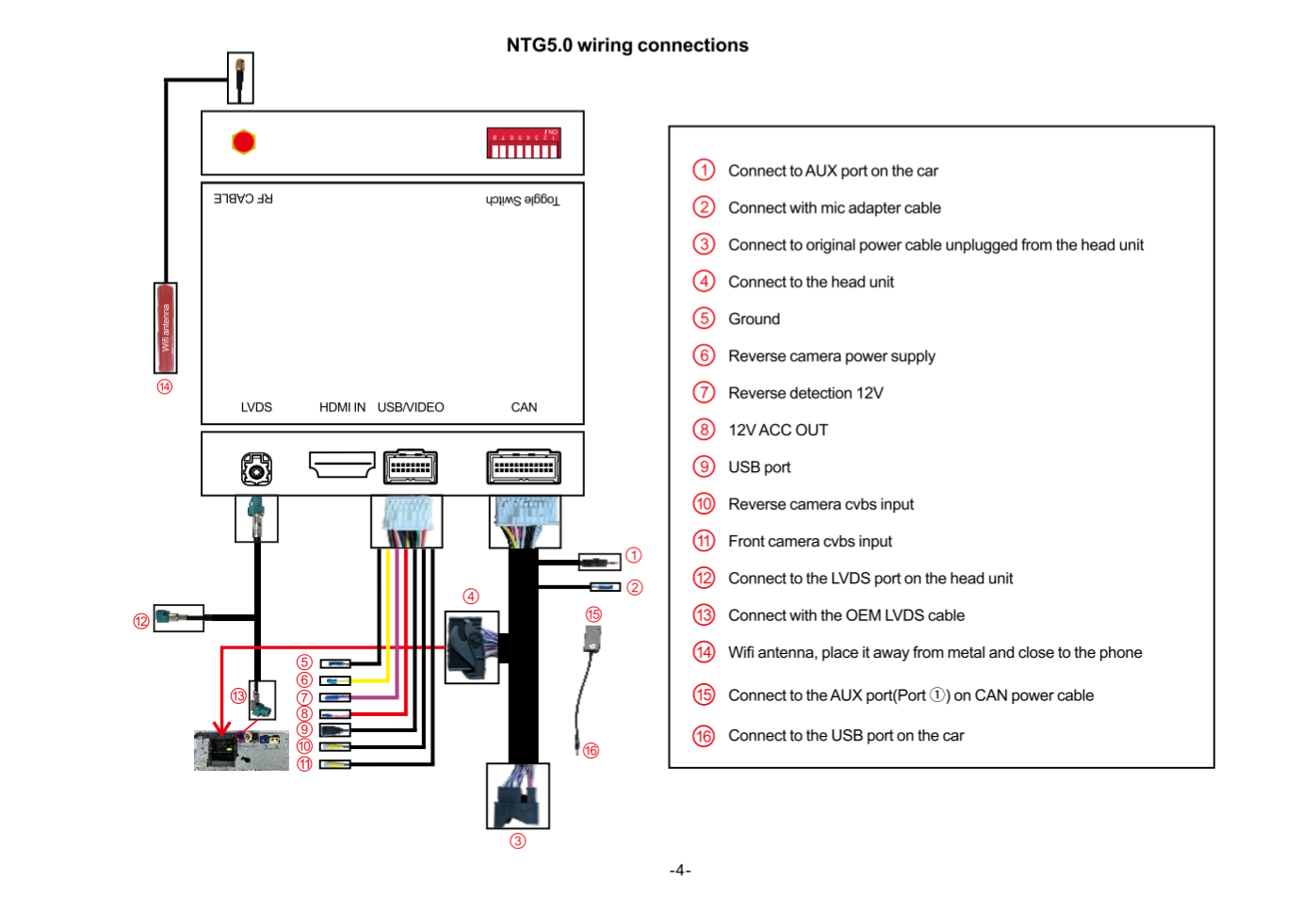
- It can also be connected via USB port (included in the kit) to keep your phone charged at the same time or play music and videos from a USB flash drive/hard drive.
- Full central button control.
- Inbuilt interface for front and rear cameras.
- Switch in/out of CarPlay display at anytime using factory controls.
- Fully CE Approved/FCC Certified/RoHS Compliant.
- 1 Year Warranty and lifetime support.
- Installation time between 2-3 Hours.
APPLE CARPLAY
Using the iDrive system you’ll be able to navigate through the Apple Carplay as if it were installed from factory.
Top Features:
- Full Apple CarPlay Functionality for iPhone 5 and above
- Compatible with IOS14 and the latest iPhone 12
- Use of Original Screen and Controls
- Full GPS Navigation via Apple Maps, Google Maps or Waze
- Music Streaming via Spotify, Apple Music etc
- Handsfree Calling and Messaging via Siri
- Can connect Wireless or Via Cable (To keep your device charged)
ANDROID AUTO
Android Auto is your smart driving companion. With a simplified interface, large buttons and powerful voice actions, Android Auto is designed to make it easier to use apps from your phone while you’re on the road.
Top Features:
- Route to your next destination using Google Maps with real-time GPS navigation and traffic alerts.
- Make calls using voice actions and answer incoming calls with just a tap.
- Listen to your favourite media apps including Google Play Music, Spotify, TuneIn, and many more Audio apps.
- Send and receive messages through voice actions using SMS, WhatsApp, Facebook Messenger, and many more messaging apps.
How do I control the system?
The system is operated by genuine buttons. (Siri voice control, knobs, buttons) - if you’re looking to upgrade to something touchscreen with CarPlay, check out our range of touchscreen display upgrades.
How do I switch between the original system and the new MMI system?
On your Mercedes Controller hold the “NAV” or "BACK" Button to flick between the new MMI menu and the original Mercedes system.
Will this void my warranty?
On a general note, no, this shouldn't void your warranty as all of our MMI systems are fully reversible meaning you can install and uninstall our products as you wish, without removing, replacing or damaging any of your original vehicle’s components, however there are exceptions on certain cars in which the original manufacturer warranty seals on the radio head unit itself have to be opened to install a PCB poard component. If you really want to make sure, we always advise checking with your vehicle's warranty provider
Can I install this myself?
Yes, you have the option to install this yourself by all means, however we also offer a fitting service, you can take it to one of our approved third party dealer locations around the UK.
Does this need any coding done to it after it’s installed?
No, it doesn’t require any coding at all, our MMI module is designed to be completely plug and play.
PLEASE NOTE: only iPhone’s are compatible with Apple CarPlay and only Android phones are compatible with Android Auto
Installation Service
How the Installation Service Works?
Our installation service is designed to be simple, transparent, and efficient. Please follow the steps below to understand the full process:
Step 1: Place Your Order
-
Place your order on our website after confirming product compatibility with your vehicle.
-
On the Product page > Installation service > Select an Approved Installer located near you.
Step 2: Order Confirmation & Dispatch
-
Once your order is confirmed, we will dispatch the item directly to your address.
-
You will receive a dispatch confirmation email along with a tracking number so you can monitor delivery.
Step 3: Installer Details Provided
-
After the item has been dispatched, we will send you the contact details of the selected Approved Installer. Through Email, Check inbox or spam folder.
Step 4: Book Your Installation Appointment
-
Once you receive the Item and installer’s contact details, You must contact the installer directly.
-
When contacting the installer, please provide:
-
Your order number
-
The make and model of your vehicle
-
-
The installer will then arrange a mutually convenient appointment date and time.
Step 5: Attend the Installation
-
All installations are carried out at the installer’s location.
-
Please bring:
-
Your vehicle
-
The delivered product
-
Order confirmation (recommended)
-
-
The Approved Installer will complete the installation according to approved standards.
Step 6: Installation Completion
-
The installer will check the installation is secure and correctly fitted.
-
Your installation is completed by a trained professional for peace of mind.
Important Information
- Installation is not carried out at your home address.
- You can ask the Installer directly, If the are willing to offer service at your address for Extra mobile cost.
- Booking the appointment is the customer’s responsibility once installer details are provided.
- Delivery and installation are separate stages of the process.
Frequently Asked Questions (FAQs)
Q: How do I know if the product is compatible with my vehicle?
A: Compatibility must be confirmed before placing your order. If you are unsure, please contact us prior to purchase.
Q: Do you send the product to the installer?
A: No. The product is dispatched directly to your address, and you must take it with you to the installer. If the Installer already has item in stock that you have ordered. We will inform you to contact the installer to book an appointment.
Q: When do I receive the installer’s contact details?
A: Installer contact details are provided after your item has been dispatched.
Q: Who books the installation appointment?
A: The customer is responsible for contacting the installer and booking the appointment.
Q: Where does the installation take place?
A: All installations are carried out at the Approved Installer’s location. We use Third-Party approved installer. Which are hired on Per Job basis.
Q: What details do I need when contacting the installer?
A: You should provide:
-
Your order number
-
The make and model of your vehicle
Q: Can I change the installer after ordering?
A: Installer changes are subject to availability and must be requested before installation is booked.
Q: Approved Installers Location?
- GLASGOW - G40 Postcode
- MIDDLESBROUGH - Disclosed by Installer
- BRADFORD - BD8 & BD4 Postcode
- DEWSBURY - WF12 Postcode
- MANCHESTER - M32 Postcode
- NOTTINGHAM - NG5 1FS Postcode
- BRISTOL - BS7 Postcode
- SWANSEA - SA1 Postcode
- WEST LONDON - W7 Postcode
- EAST LONDON - E7 Postcode
- SOUTH LONDON - CR4 Postcode (Weekends Only)
- SURREY - KT20 Postcode
- SOUTHAMPTON - SO30 Postcode