


thecockpituk
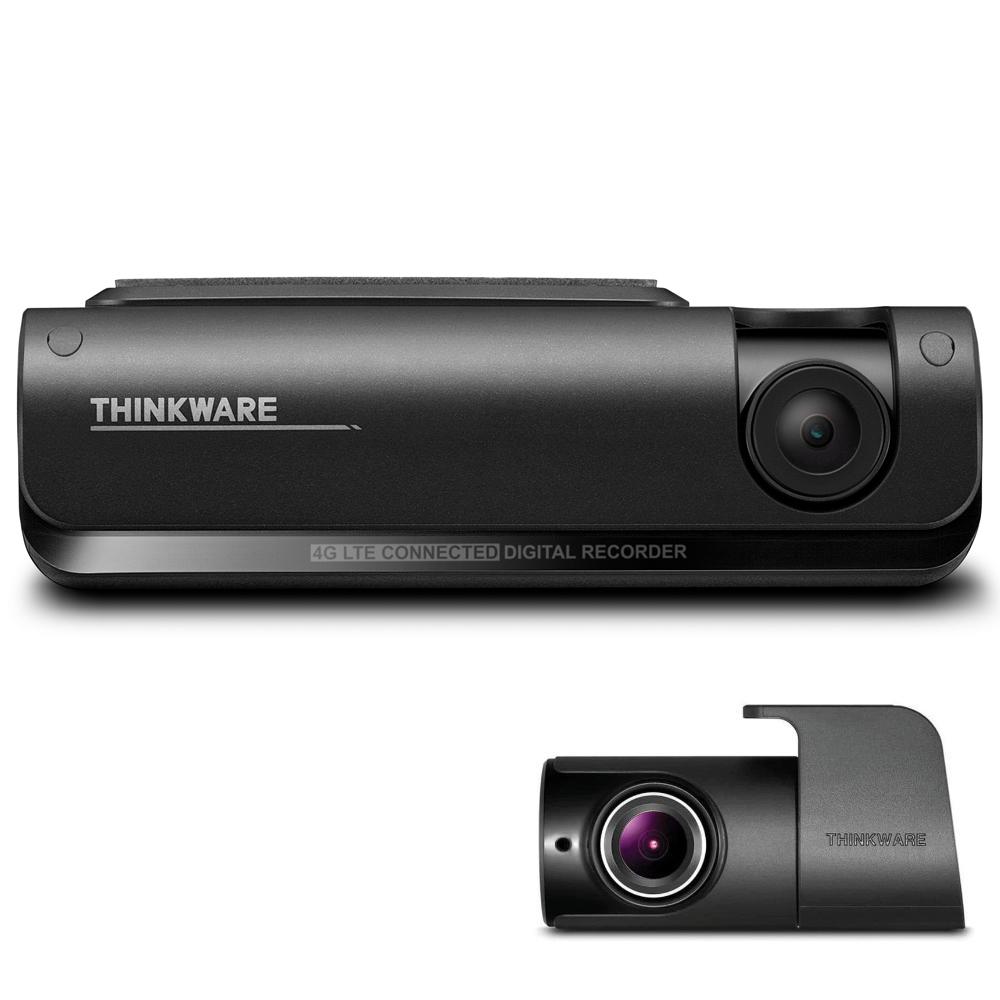
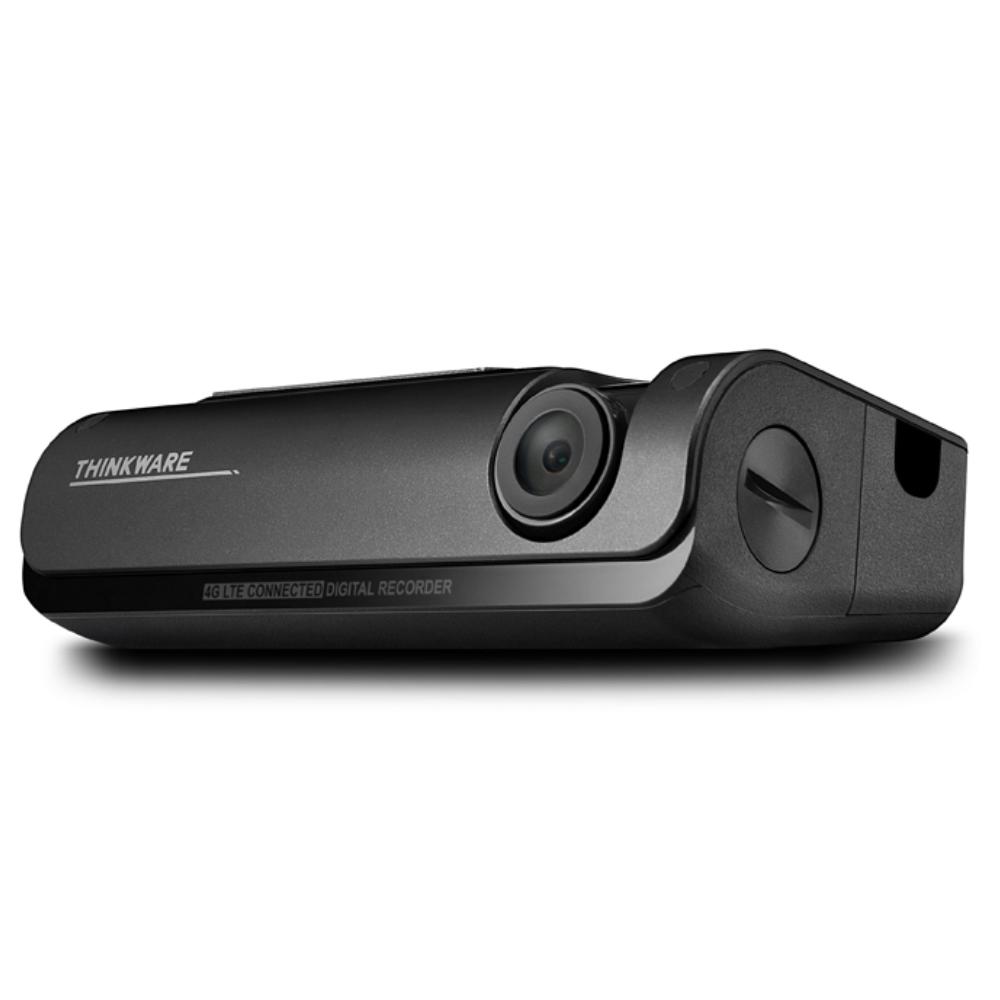
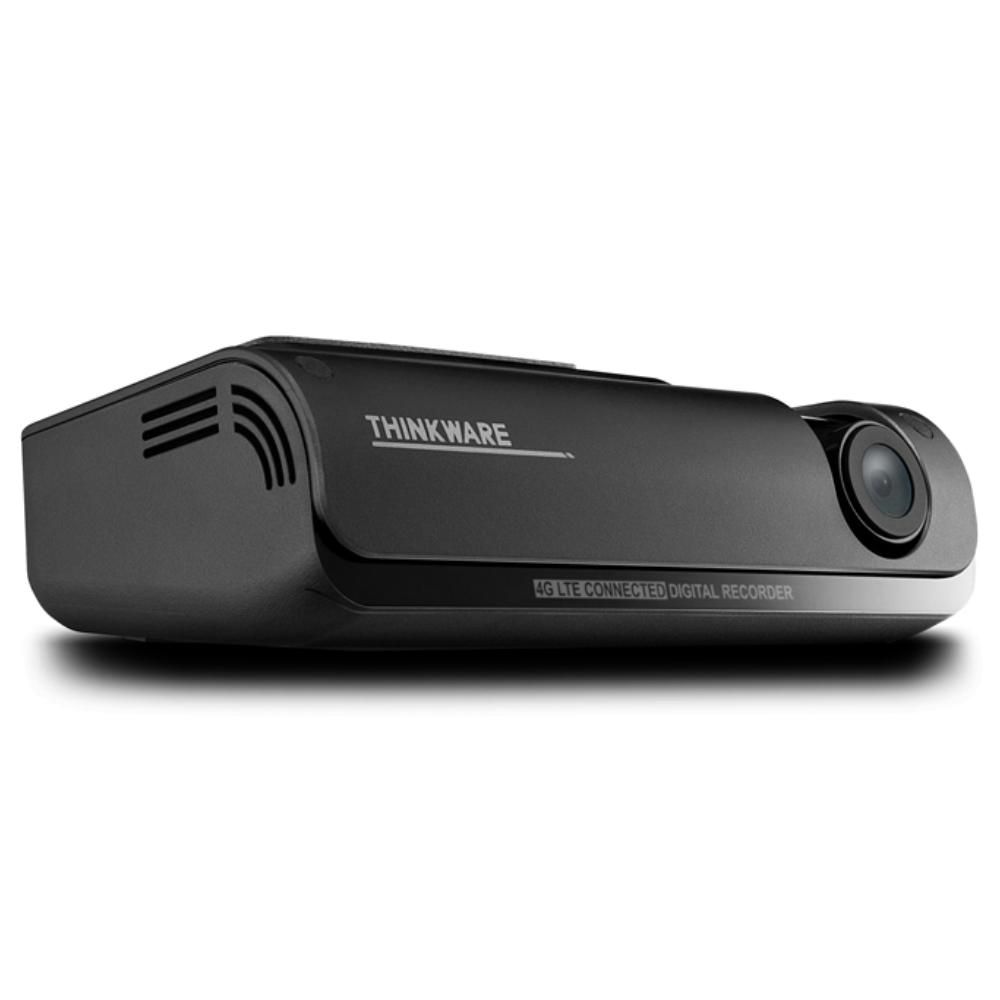
THINKWARE DASH CAM T700 1080P FRONT AND REAR CAMERA 4G LTE GPS WIFI CLOUD 32GB
THINKWARE DASH CAM T700 1080P FRONT AND REAR CAMERA 4G LTE GPS WIFI CLOUD 32GB
Couldn't load pickup availability
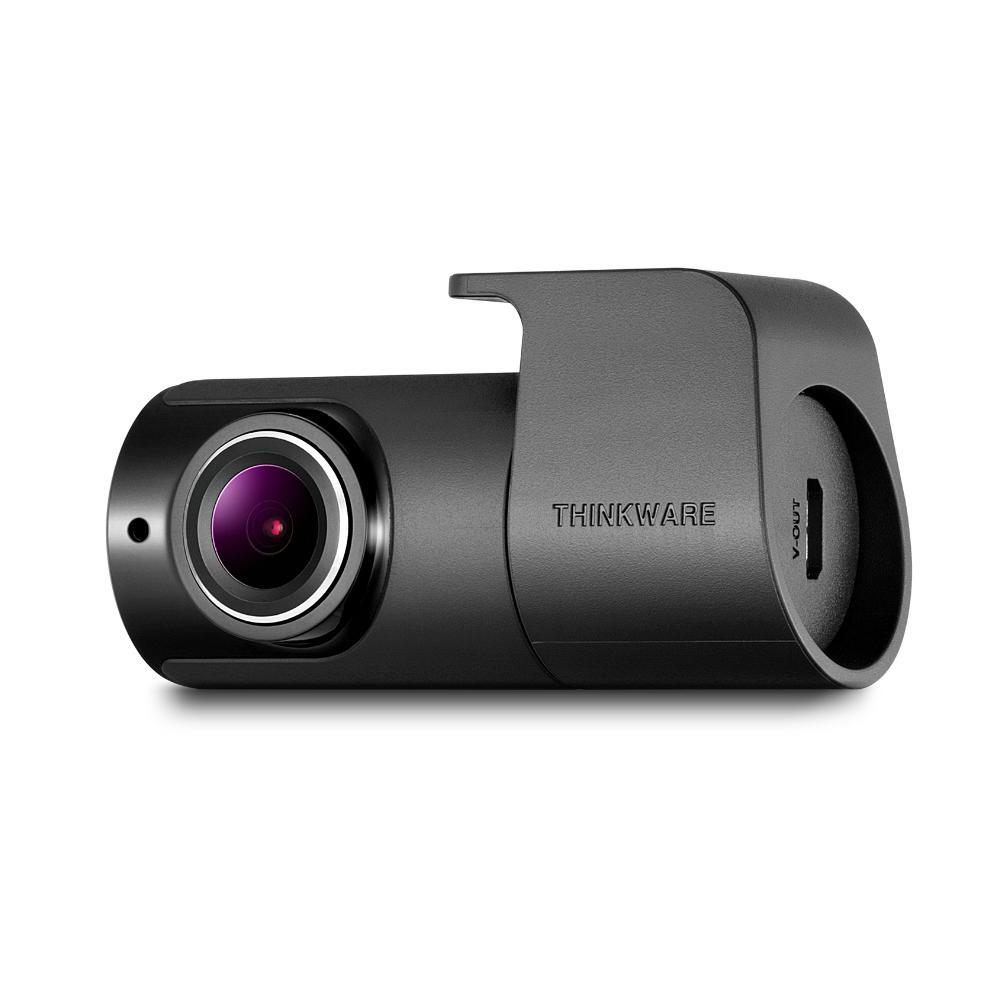
The T700 features a 1080p Full HD front-facing camera and an optional 1080p Full HD rear-facing camera. For LTE functionality a Vodafone Smart Sim (Also known as V-Sim) is included in which you can register for a £3 for 5GB data per month subscription.
THINKWARE CONNECTED LTE
*Compatible with Android (7.0 Nougat or higher) and iOS (11.4 or higher)
A smarter connected experience with 4G LTE Connectivity.
Depending on the mobile carrier, a standard data plan is included for Thinkware Connected LTE compatible dash cams.
*This standard data plan policy may not apply to your country.
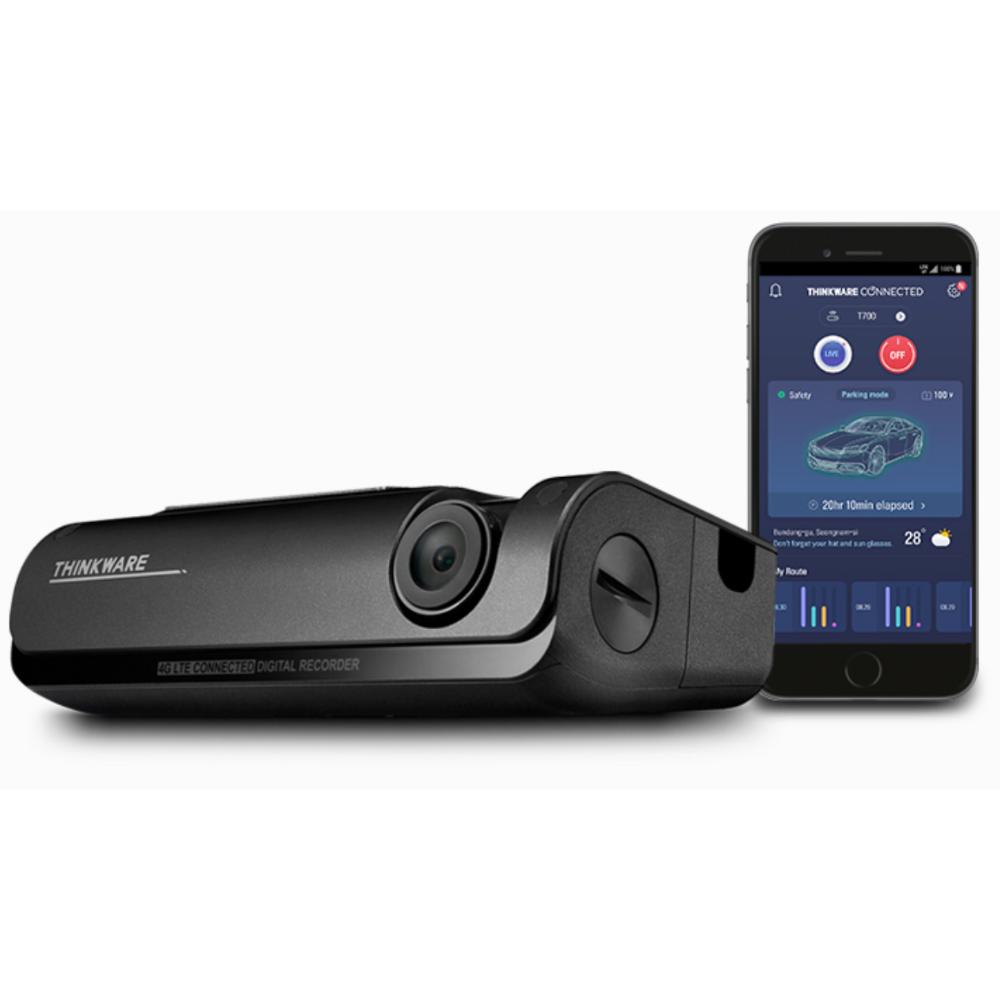
Thinkware Connected LTE, our new and improved mobile app offers a wide range of smart features.
Now you can truly communicate with your vehicle in real-time seamlessly.
Receive impact notifications, play videos (strong impact crash in continuous recording mode, parking impact),
view captured image of most recent parking, and monitor your vehicle status and driving history on your mobile.
*One account on Thinkware Connected LTE can connect up to five dash cam devices.
REMOTE LIVE VIEW
Remotely view your vehicle in both Continuous Recording Mode and Parking Mode.
Click on Live View button on your smartphone app to view a real-time video of your vehicle.
*Remote Live View can be requested up to 30 minutes a month on the standard data plan.
**Remote Live View is unavailable in Energy Saving Mode when your vehicle is parked.
REAL-TIME PARKING IMPACT VIDEO
In Parking Mode, you can immediately detect an impact with the dash cam.
Receive impact notification and play video of the impact on your smartphone.
Upon user consent, a 20 seconds Full-HD video (10 seconds before and after the incident) is uploaded on the server.
CAPTURED IMAGE OF MOST RECENT PARKING
In Parking Mode, check the location of your vehicle and its surroundings.
View a Full-HD image of your front camera including the location of your parked vehicle.
VEHICLE STATUS AND DRIVING HISTORY
Monitor your vehicle’s status to check whether your vehicle is parked or operating on the road.
Check your vehicle battery voltage and remotely turn off the dash cam when the battery voltage is low.
View your driving history including data such as date, time, distance, route and driving behavior.
PLAY RECORED VIDEOS AND MANAGE SETTINGS ON SMARTPHONE
The Thinkware Dash Cam T700 and your smartphone can be connected via
‘THINKWARE DASH CAM LINK’ app with built-in Wi-Fi.
Check live view screen, play recorded videos, and manage dash cam settings.
QUICK DOWNLOADS VIA BUILT-IN WI-FI
Wi-Fi connectivity supports both 2.4GHz and 5GHz bands for the best experience in different environments.
2.4GHz has a longer range and can be captured from a farther distance
The longer range network also captures other devices thus preferred in undisrupted environments.
5GHz has a shorter range and can offer better performance with a higher bandwidth.
The shorter range network avoids interferences thus preferred for a less congestive experience within shorter distances.
*Download speed and connection experience can differ according to smartphone specifications and telecommunications conditions.
**5GHz band may be more suitable for cities in Singapore or Hong Kong due to possible disruptions in telecommunications environments.
SUPER NIGHT VISION
Dash cam videos recorded in a low-light environment, such as dark alleys or parking lots, may not be clearly identifiable.
Super Night Vision uses Image Signal Processing (ISP) technology to record clear and visible videos in Parking Mode.
ENERGY SAVING MODE
Energy Saving Mode will reduce power consumption by 1/3 less and give 3x longer video recording than normal parking mode.
When you are away for a vacation or leaving your car for quite some time, Energy Saving Mode is a recommended solution.
The Thinkware Dash Cam T700 will go to sleep in Energy Saving Mode.
Soon after an impact has been detected by a built-in G-sensor,
the dash cam will wake up within a second and start recording for next 20 seconds of period.
* You can still use certain Thinkware Connected LTE app features such as
Send Emergency Message and Captured Image of Most Recent Parking in Energy Saving Mode.
Other services will be deactivated to reduce power consumption.
TIME LAPSE
Important clips and images may get deleted due to insufficient memory space during long continuous recordings,
especially in standard parking recording mode which requires large memory for saving 15 to 30 frames per second.
Time Lapse Mode records 2 frames per second reducing the size of the video file.
This allows video recordings in parking mode to continue up to 16 times longer than other dash cams.
Parking Mode can be activated upon installing the Thinkware Dash Cam T700 with hardwiring cable.
SAFETY CAMERA ALERT
The Thinkware Dash Cam T700’s internal GPS provides accurate location information
while the Safety Camera Alert function is on continuous alert to warn the driver of red lights and traffic enforcement cameras.
Cultivate safe driving habits with Thinkware Dash Cam.
ROAD SAFETY WARNING
The Thinkware Dash Cam T700 is equipped with the Lane Departure Warning System (LDWS),
Front Collision Warning System (FCWS), Urban Front Collision Warning System(uFCWS)
and Front Vehicle Departure Warning (FVDW) to ensure driver safety with a voice warning.
FRONT AND REAR VIEW FULL HD RECORDINGS
CMOS Image Sensors allow constant front and rearview 1080P Full HD resolution recording during both daytime and nighttime.
The 140-degree wide angle lens view will minimize blind spots to assure recording of all events without fail.
STATE OF THE ART VIDEO ENHANCEMENT TECHNOLOGY
Thinkware Dash Cams are equipped with top-notch video enhancement technology on the market,
ensuring the most vivid video recordings under any circumstance.
SPECIFICATION
- CAMERA
- Front: 2.1M On Semi CMOS Sensor, Rear: 2.12M Image Sensor
- RESOLUTION
- Front, Rear: 1080P Full HD (1,920 x 1,080P) @ 30fps)
- VIEWING ANGLE
- Front: 140︒ (Diagonal), Rear: 127︒ (Diagonal)
- CAPACITY
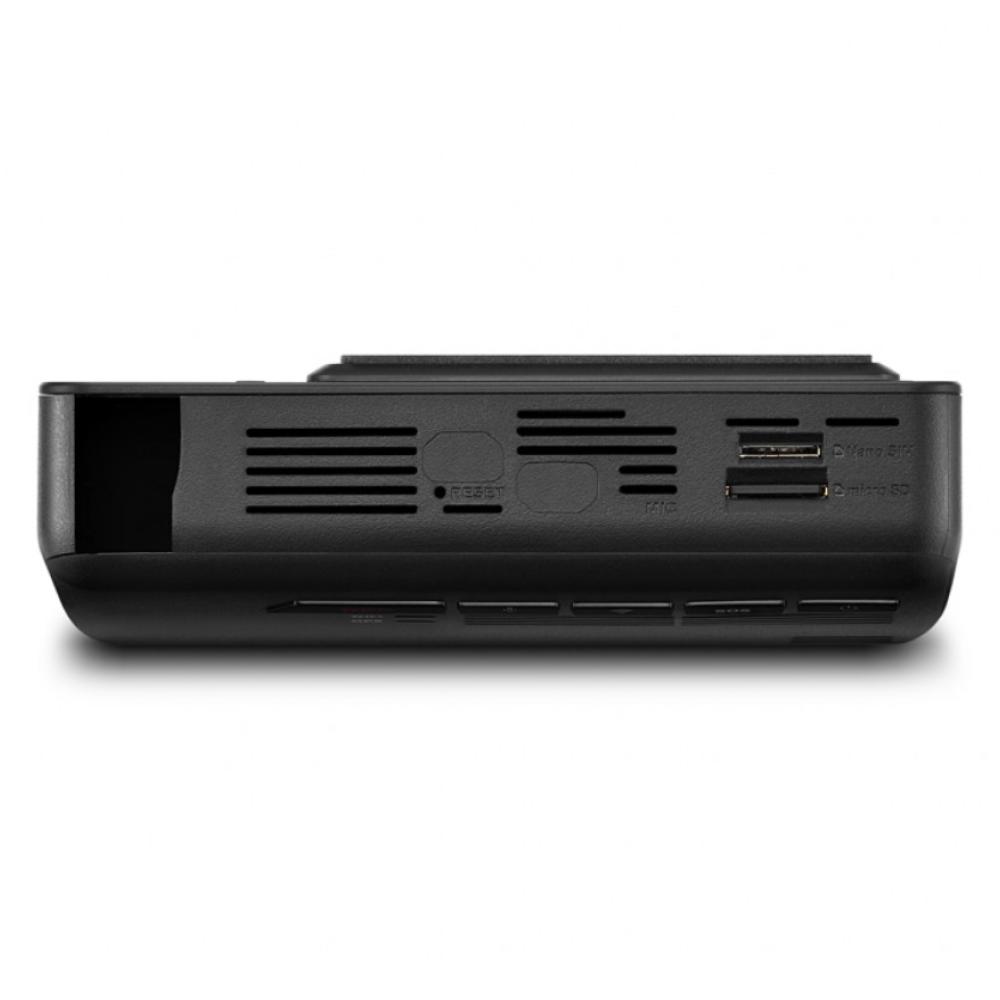
- Micro SD Card 16GB / 32GB / 64GB UHS-I
- RECORDING MODES
- Continuous Recording, Incident Recording, Manual Recording, , Audio Recording, Energy Saving, SOS Recording
- SENSOR 3-Axis Accelerometer G-Sensor (3D, ±3G)
- GPS Built-in GPS
- WI-FI Built-in Wi-Fi (2.4GHz / 5GHz)
- POWER Input Power: DC 12/24V
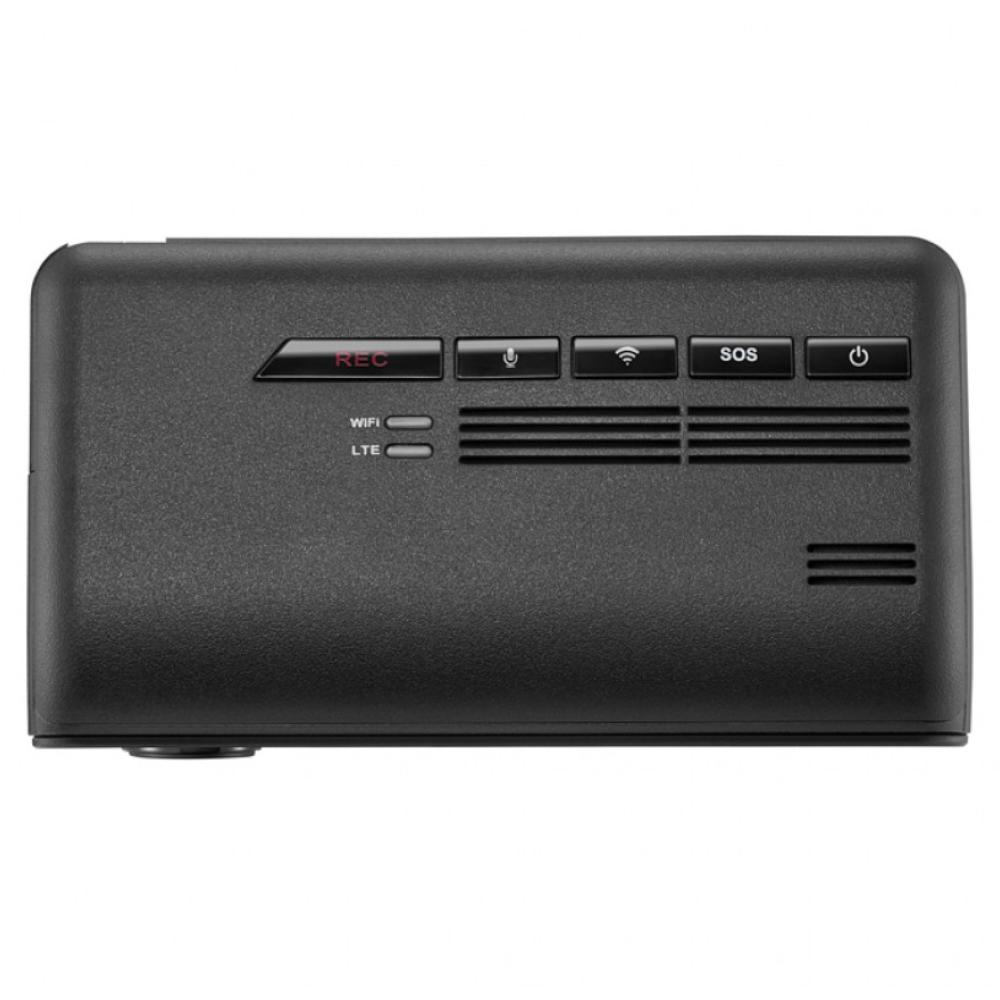
- Wi-Fi LED / LTE LED
WHATS INCLUDED
- Main dash cam unit
- Rear camera
- Rear camera cable
- Mount with 3M tape (1ea)
- Hardwiring cable
- Adhesive cable holder (3ea)
- MicroSD memory card with adapter (consumable)
- Quick Start Guide/Warranty Card
- Vodafone Smart SIM Included (Subscription Required)
(Plug & Play 12 Power Cable Sold Separately. Search TWCigar)
Installation Service
How the Installation Service Works?
Our installation service is designed to be simple, transparent, and efficient. Please follow the steps below to understand the full process:
Step 1: Place Your Order
-
Place your order on our website after confirming product compatibility with your vehicle.
-
On the Product page > Installation service > Select an Approved Installer located near you.
Step 2: Order Confirmation & Dispatch
-
Once your order is confirmed, we will dispatch the item directly to your address.
-
You will receive a dispatch confirmation email along with a tracking number so you can monitor delivery.
Step 3: Installer Details Provided
-
After the item has been dispatched, we will send you the contact details of the selected Approved Installer. Through Email, Check inbox or spam folder.
Step 4: Book Your Installation Appointment
-
Once you receive the Item and installer’s contact details, You must contact the installer directly.
-
When contacting the installer, please provide:
-
Your order number
-
The make and model of your vehicle
-
-
The installer will then arrange a mutually convenient appointment date and time.
Step 5: Attend the Installation
-
All installations are carried out at the installer’s location.
-
Please bring:
-
Your vehicle
-
The delivered product
-
Order confirmation (recommended)
-
-
The Approved Installer will complete the installation according to approved standards.
Step 6: Installation Completion
-
The installer will check the installation is secure and correctly fitted.
-
Your installation is completed by a trained professional for peace of mind.
Important Information
- Installation is not carried out at your home address.
- You can ask the Installer directly, If the are willing to offer service at your address for Extra mobile cost.
- Booking the appointment is the customer’s responsibility once installer details are provided.
- Delivery and installation are separate stages of the process.
Frequently Asked Questions (FAQs)
Q: How do I know if the product is compatible with my vehicle?
A: Compatibility must be confirmed before placing your order. If you are unsure, please contact us prior to purchase.
Q: Do you send the product to the installer?
A: No. The product is dispatched directly to your address, and you must take it with you to the installer. If the Installer already has item in stock that you have ordered. We will inform you to contact the installer to book an appointment.
Q: When do I receive the installer’s contact details?
A: Installer contact details are provided after your item has been dispatched.
Q: Who books the installation appointment?
A: The customer is responsible for contacting the installer and booking the appointment.
Q: Where does the installation take place?
A: All installations are carried out at the Approved Installer’s location. We use Third-Party approved installer. Which are hired on Per Job basis.
Q: What details do I need when contacting the installer?
A: You should provide:
-
Your order number
-
The make and model of your vehicle
Q: Can I change the installer after ordering?
A: Installer changes are subject to availability and must be requested before installation is booked.
Q: Approved Installers Location?
- GLASGOW - G40 Postcode
- MIDDLESBROUGH - Disclosed by Installer
- BRADFORD - BD8 & BD4 Postcode
- DEWSBURY - WF12 Postcode
- MANCHESTER - M32 Postcode
- NOTTINGHAM - NG5 1FS Postcode
- BRISTOL - BS7 Postcode
- SWANSEA - SA1 Postcode
- WEST LONDON - W7 Postcode
- EAST LONDON - E7 Postcode
- SOUTH LONDON - CR4 Postcode (Weekends Only)
- SURREY - KT20 Postcode
- SOUTHAMPTON - SO30 Postcode